Kubicek FlyMate Manual
Explore a comprehensive, searchable guide with answers to all your FlyMate questions.
All FAQs and tutorials you want to see.
Explore a comprehensive, searchable guide with answers to all your FlyMate questions.
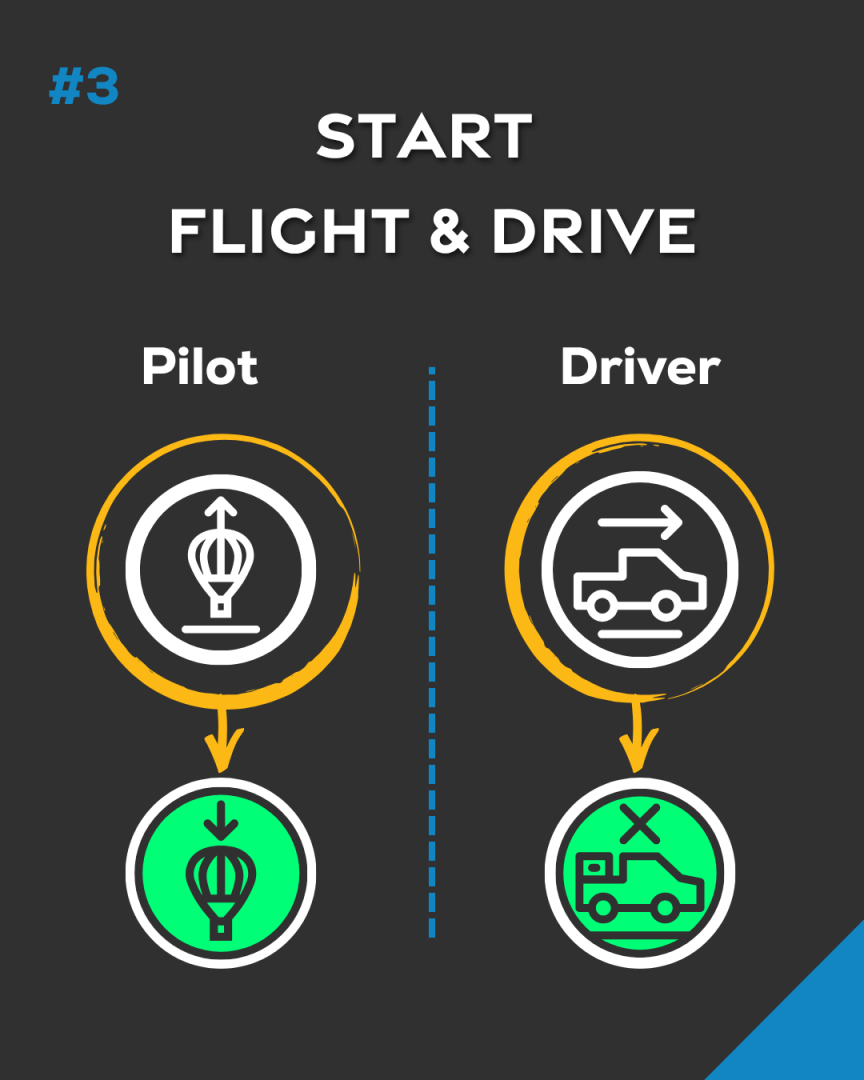
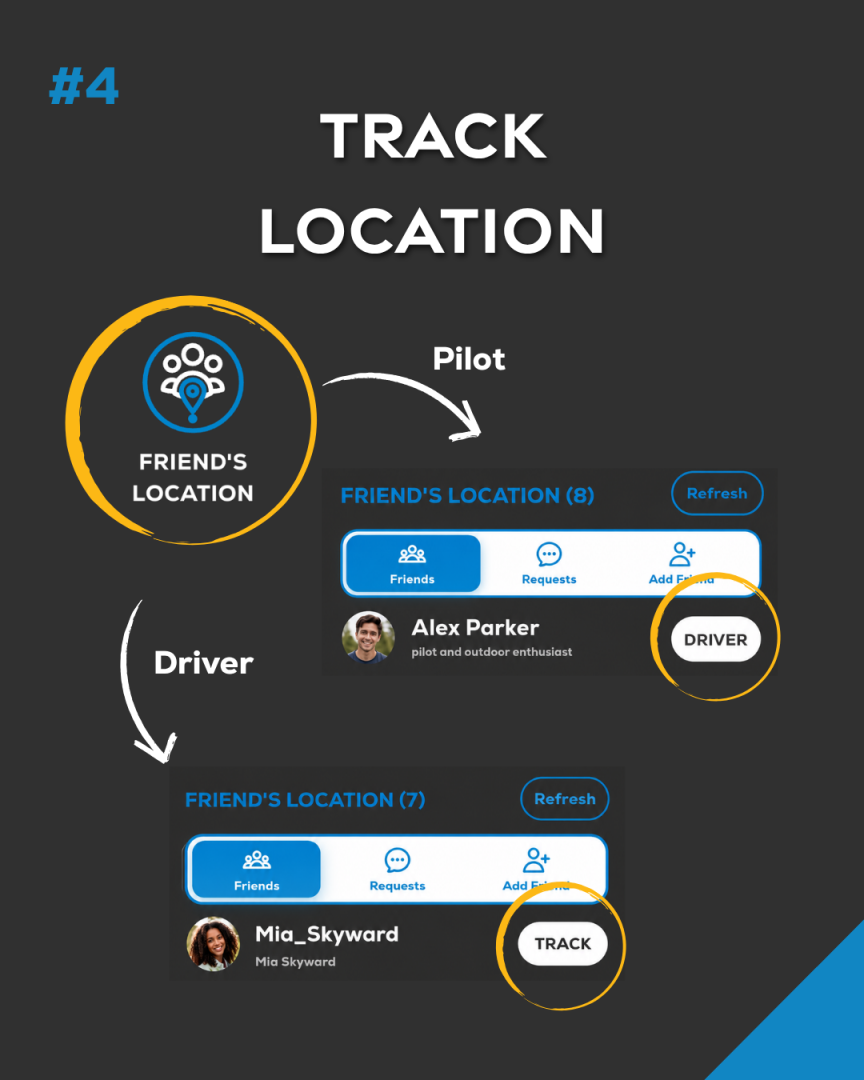
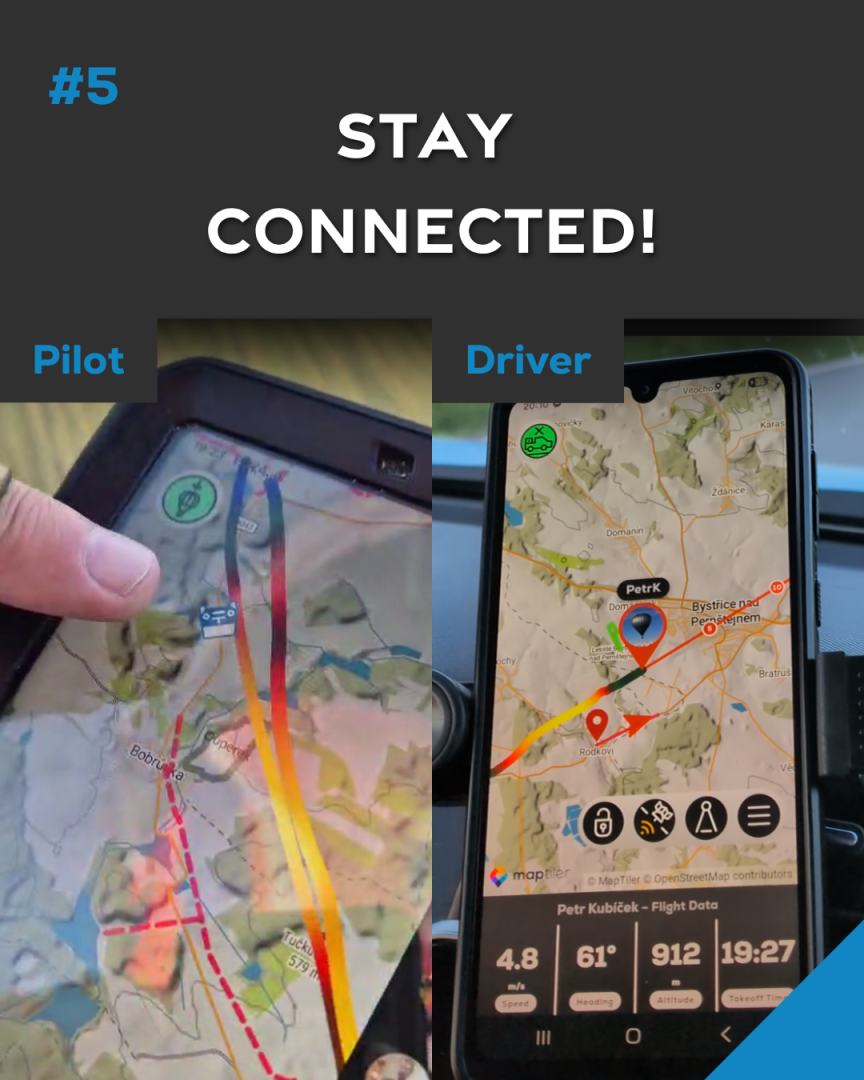
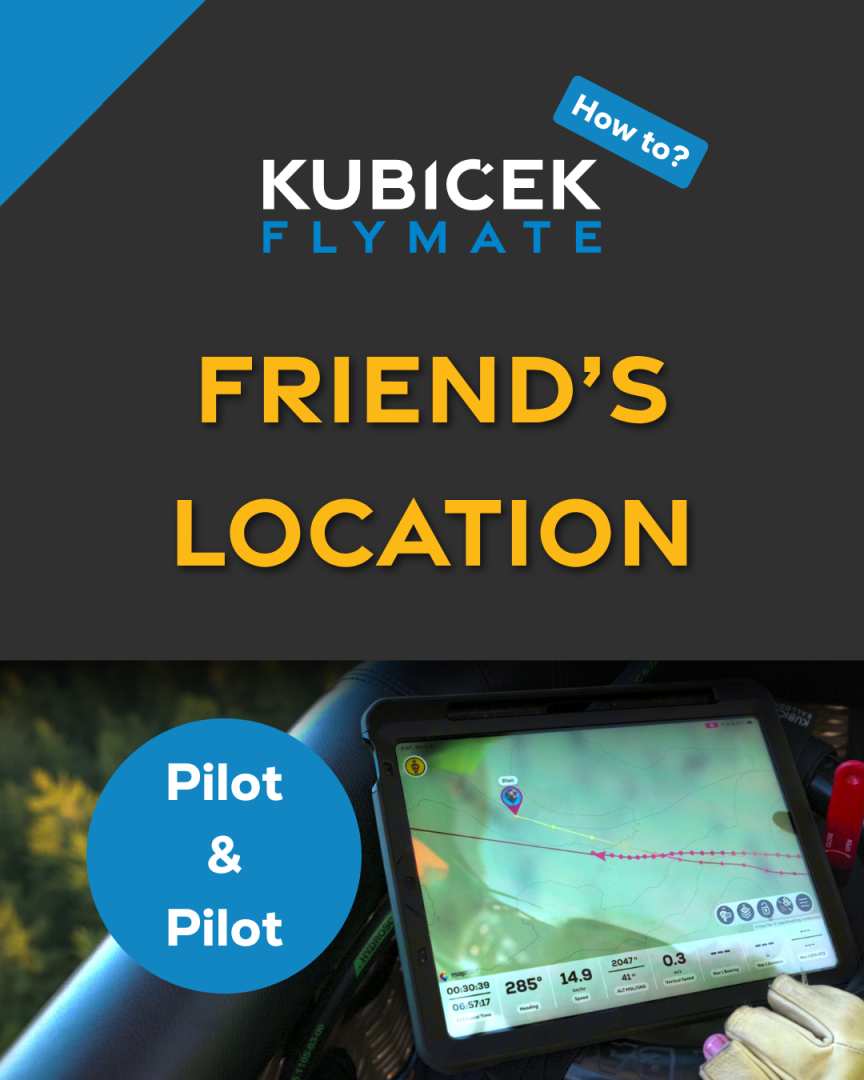
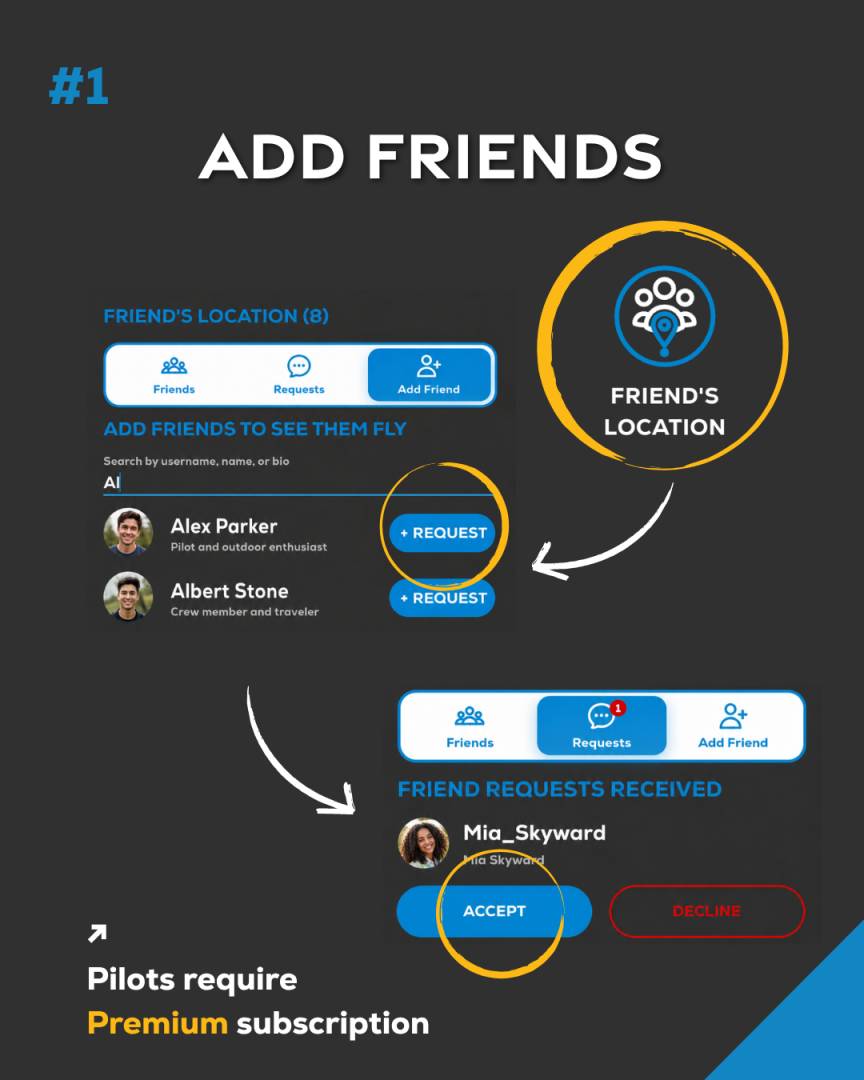
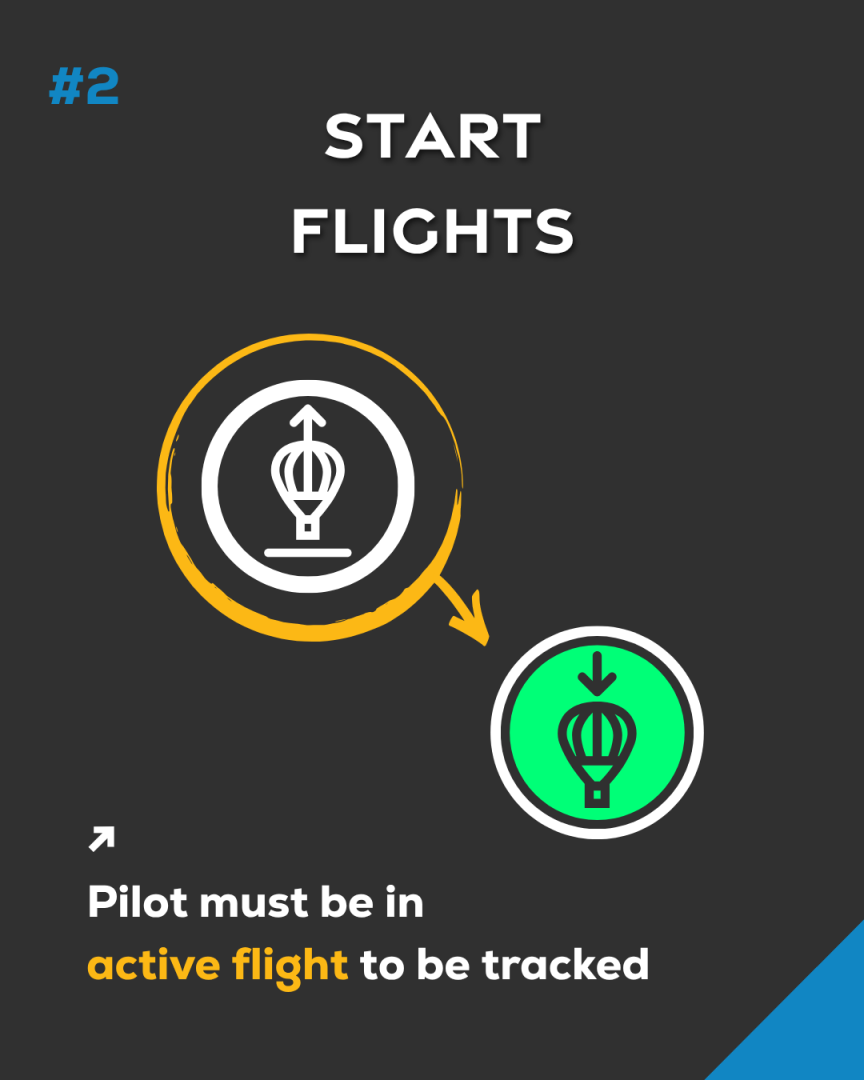
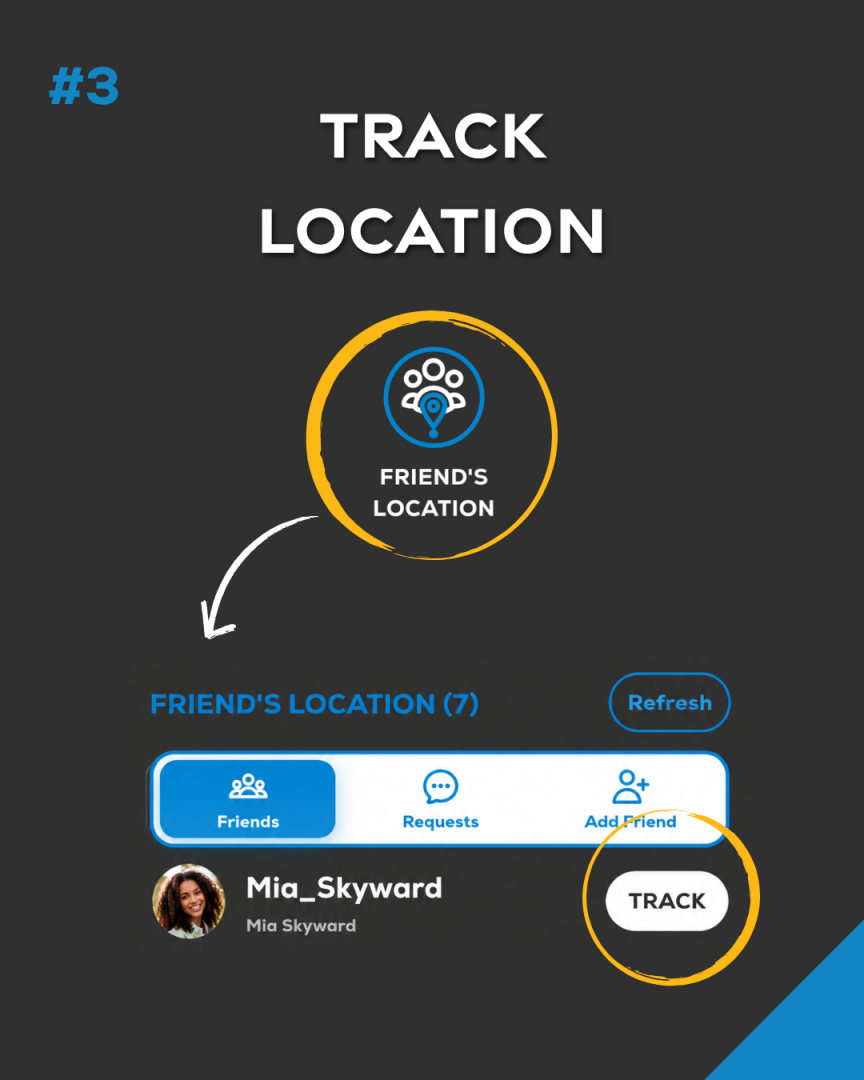
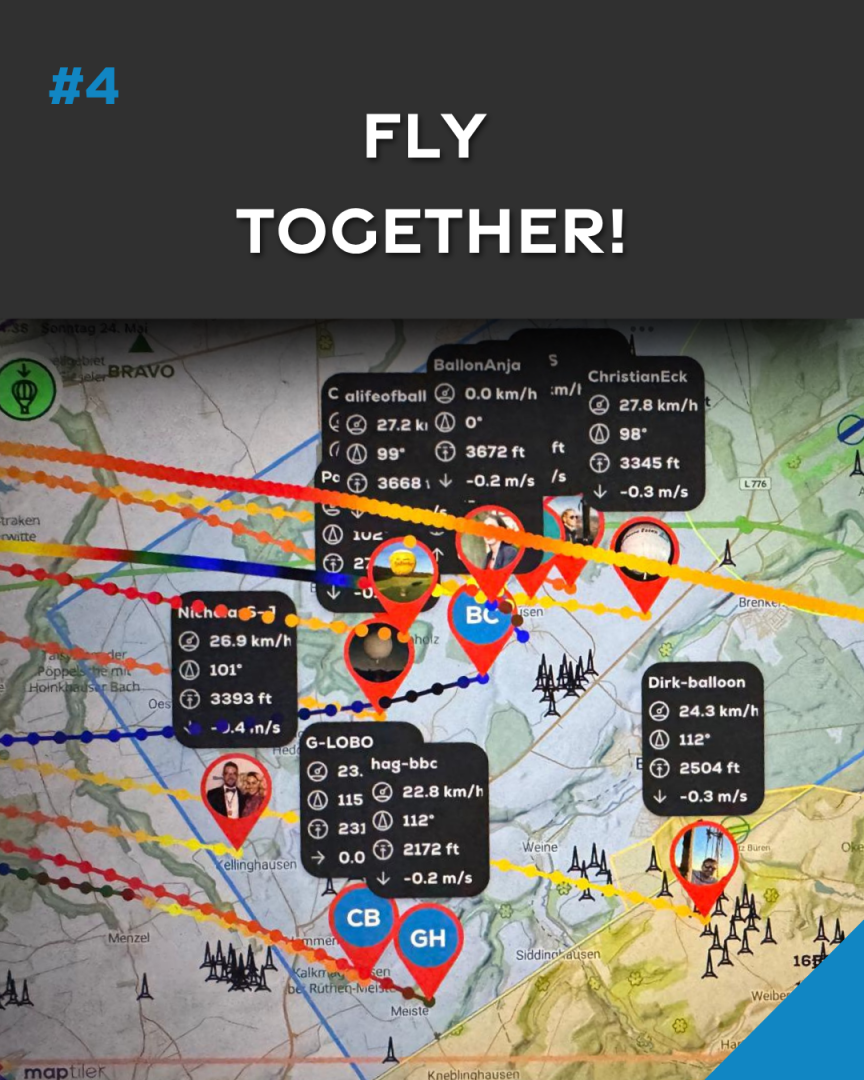
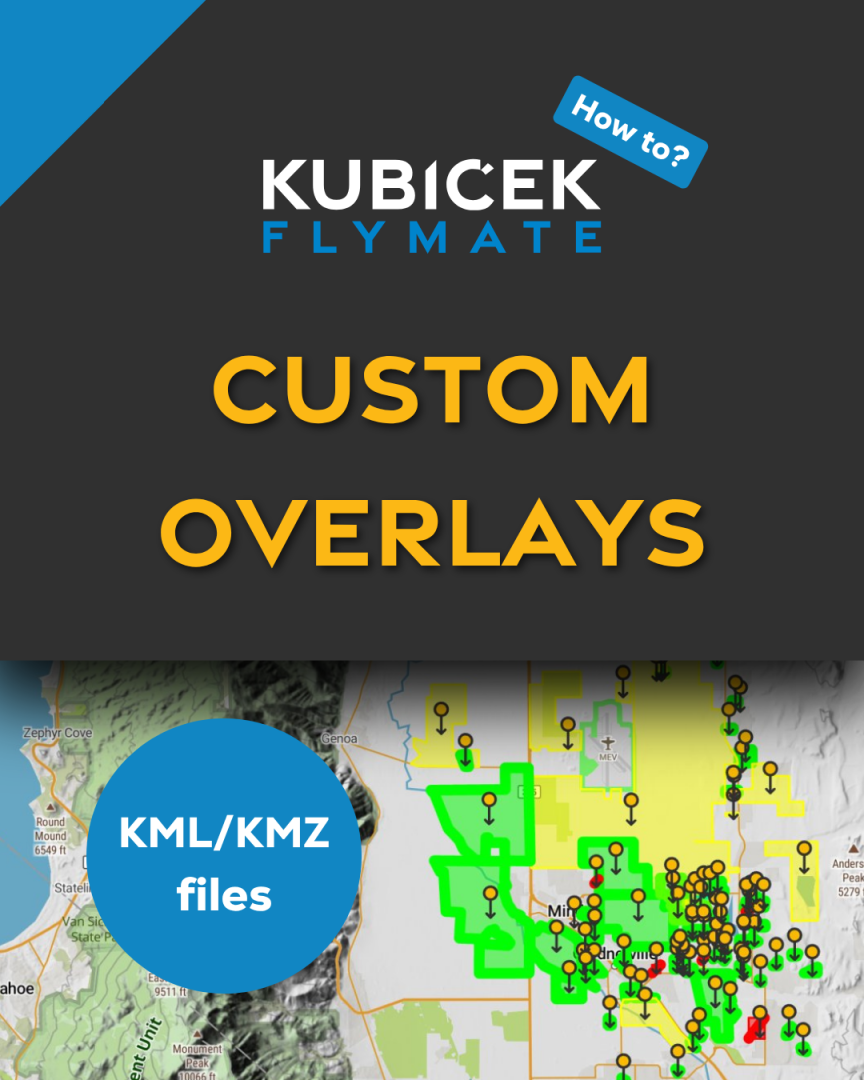
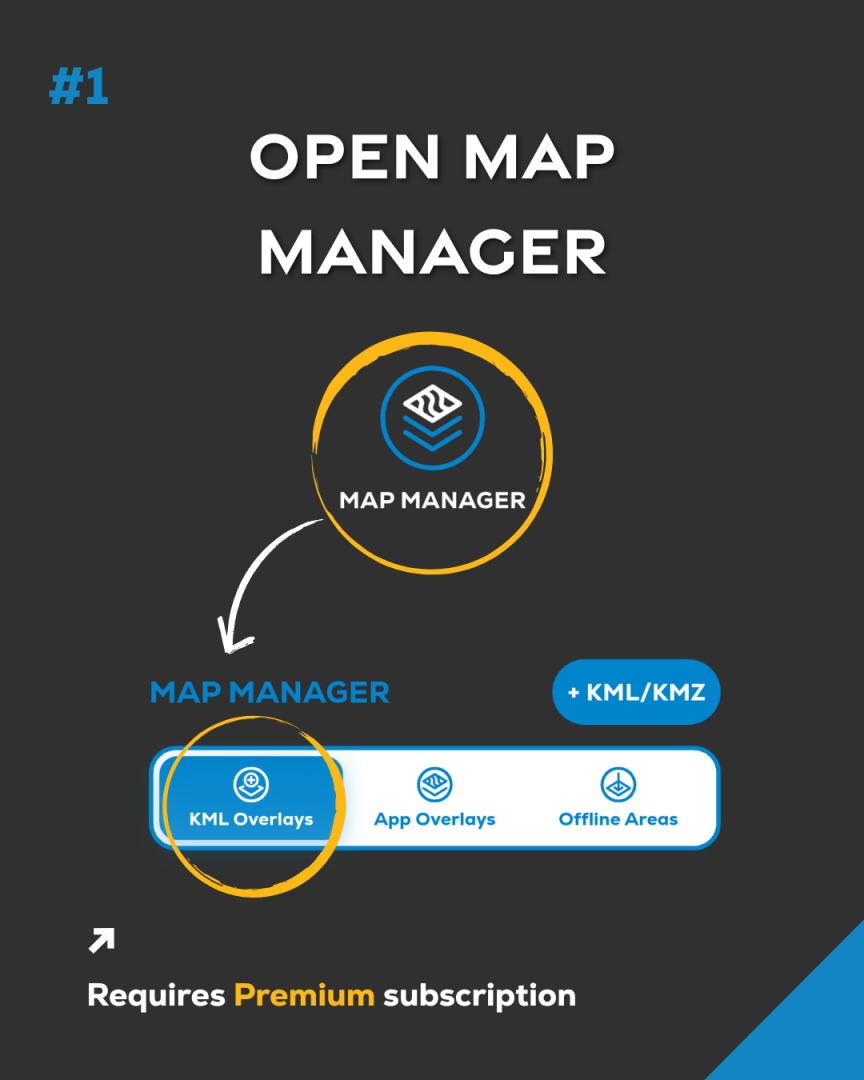
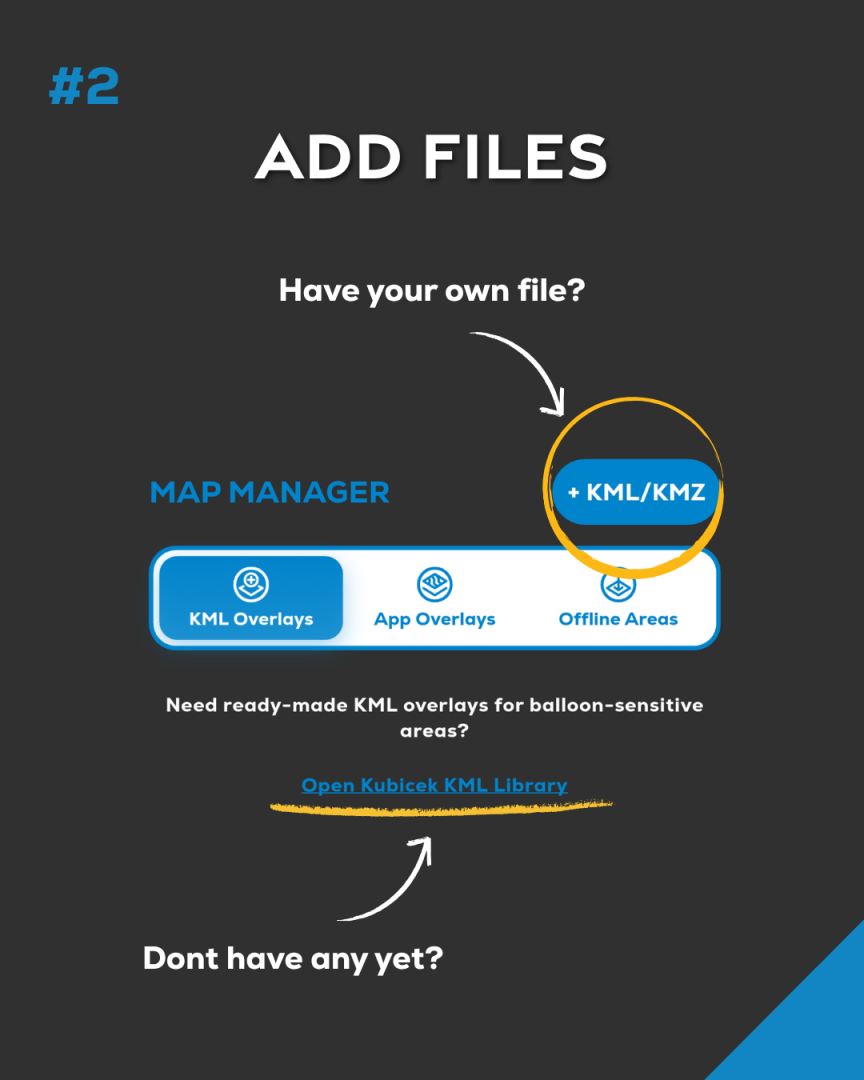
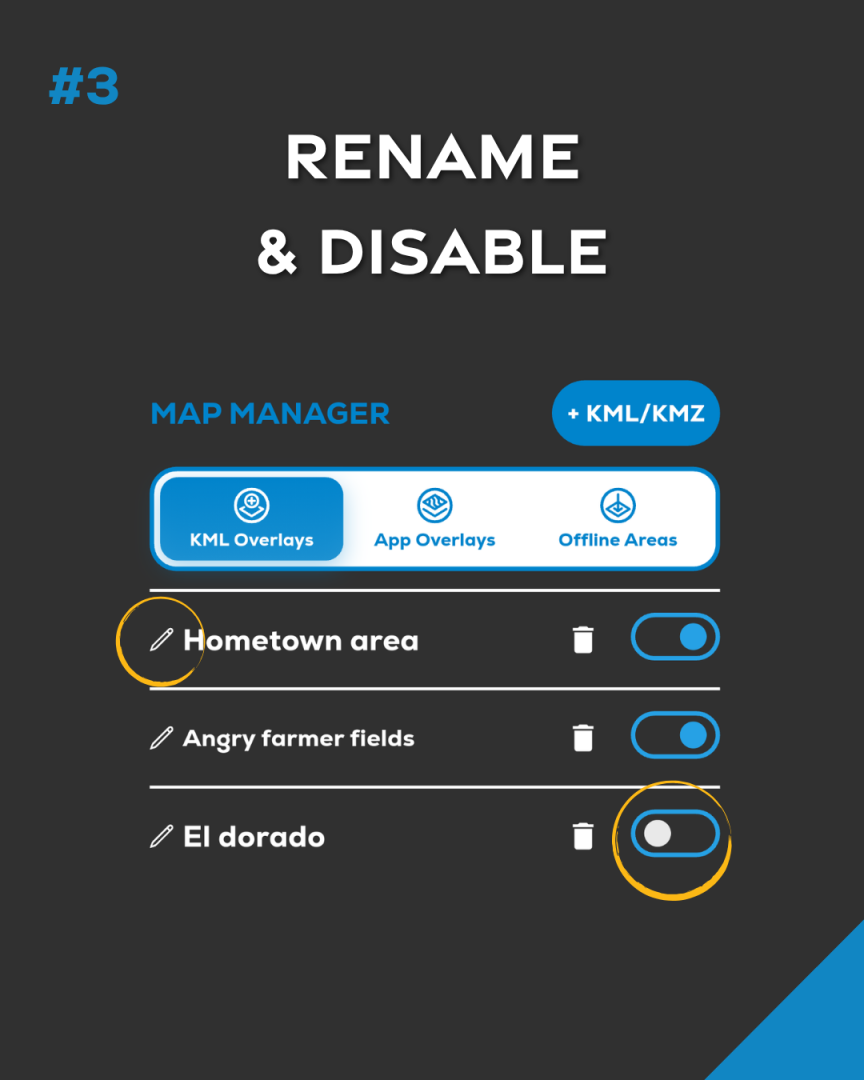
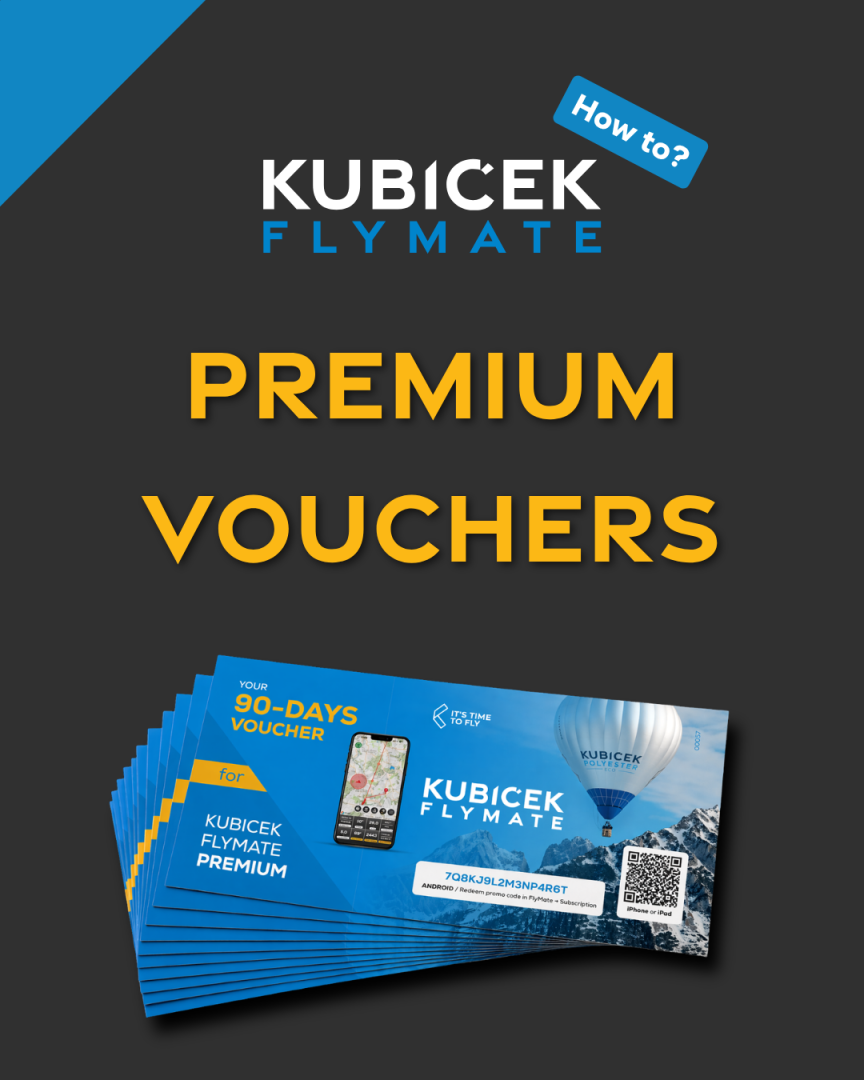
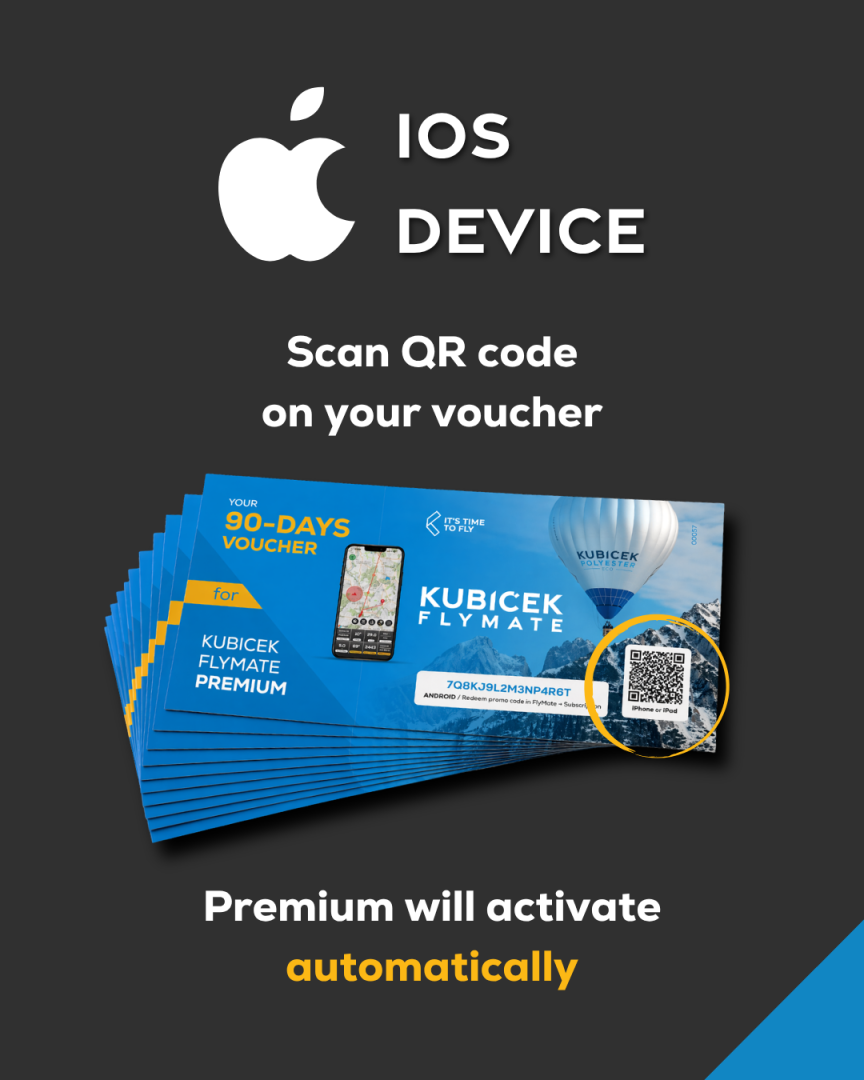
FlyMate Premium vouchers are shared by Kubíček Balloons at selected events, fiestas, factory visits, customer meetings, or with selected purchases and services.
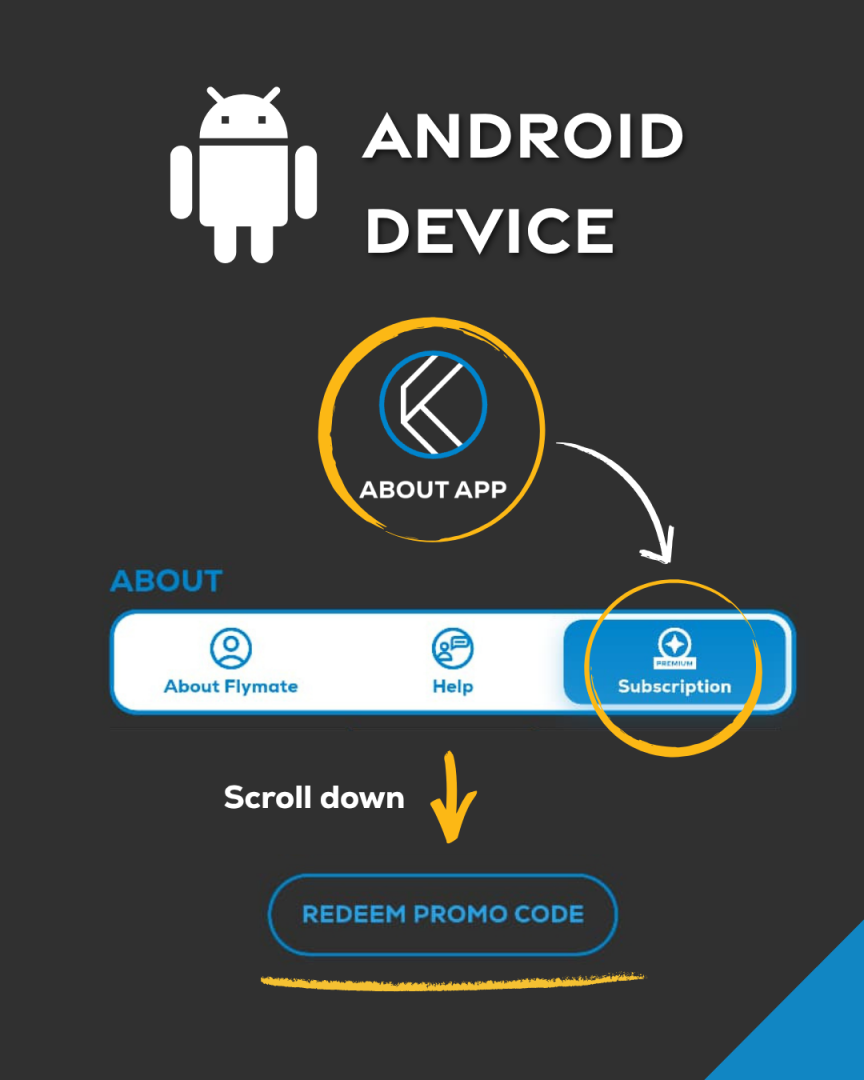
Already have a voucher? Follow the steps above to activate Premium.

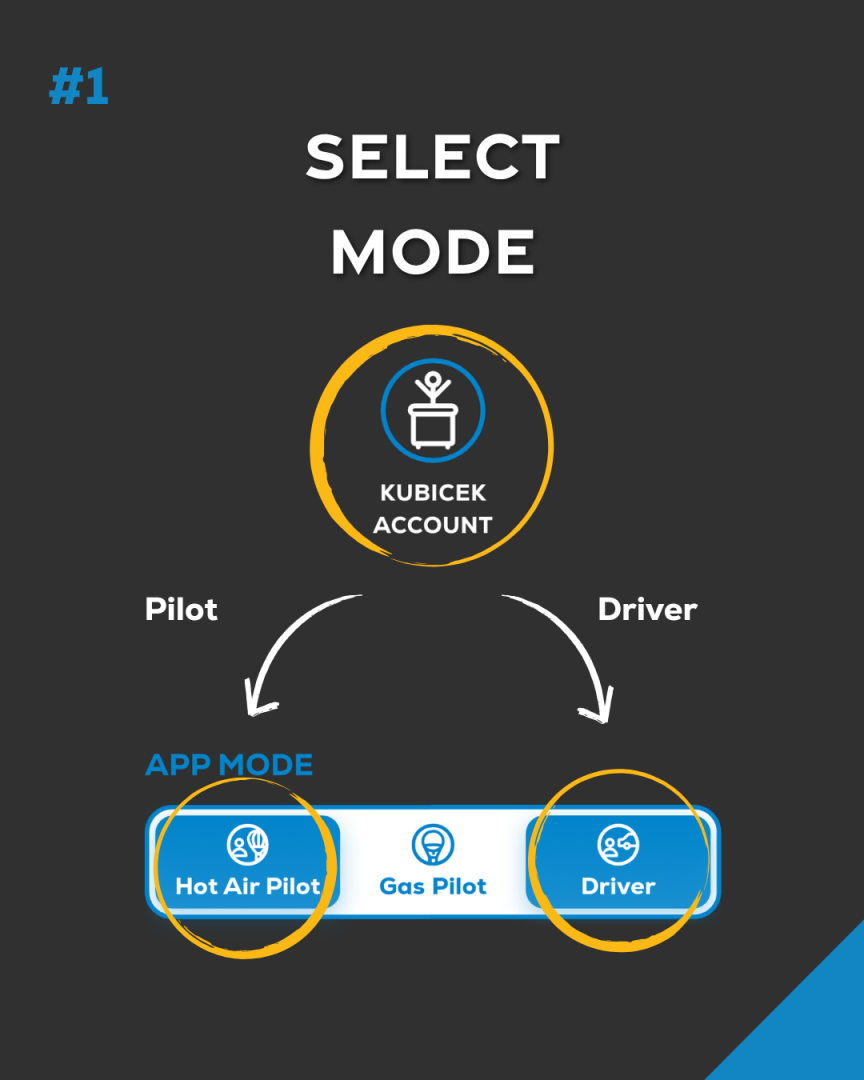
Select Pilot or Driver mode in Kubicek Account. Mode change is unavailable while flight logging or driver sharing is active.
FlyMate is available for iPhone, iPad, and Android devices through the Apple App Store and Google Play.
Yes. Map rotation is disabled by default, but you can easily enable it in the settings menu.
Yes. Downloaded maps and core flight tools remain available during flight even without an internet connection.
Map data loads dynamically depending on your connection speed and zoom level.
FlyMate needs “Allow all the time” location access to work properly.
If you select:
FlyMate will keep showing “Location Access Required”
To cancel your Google play subscription:
Your subscription will remain active until the end of the current billing period.
Or just press the button here and Restore your Purchase.
To cancel your Appstore subscription:
Your subscription will remain active until the end of the current billing period.
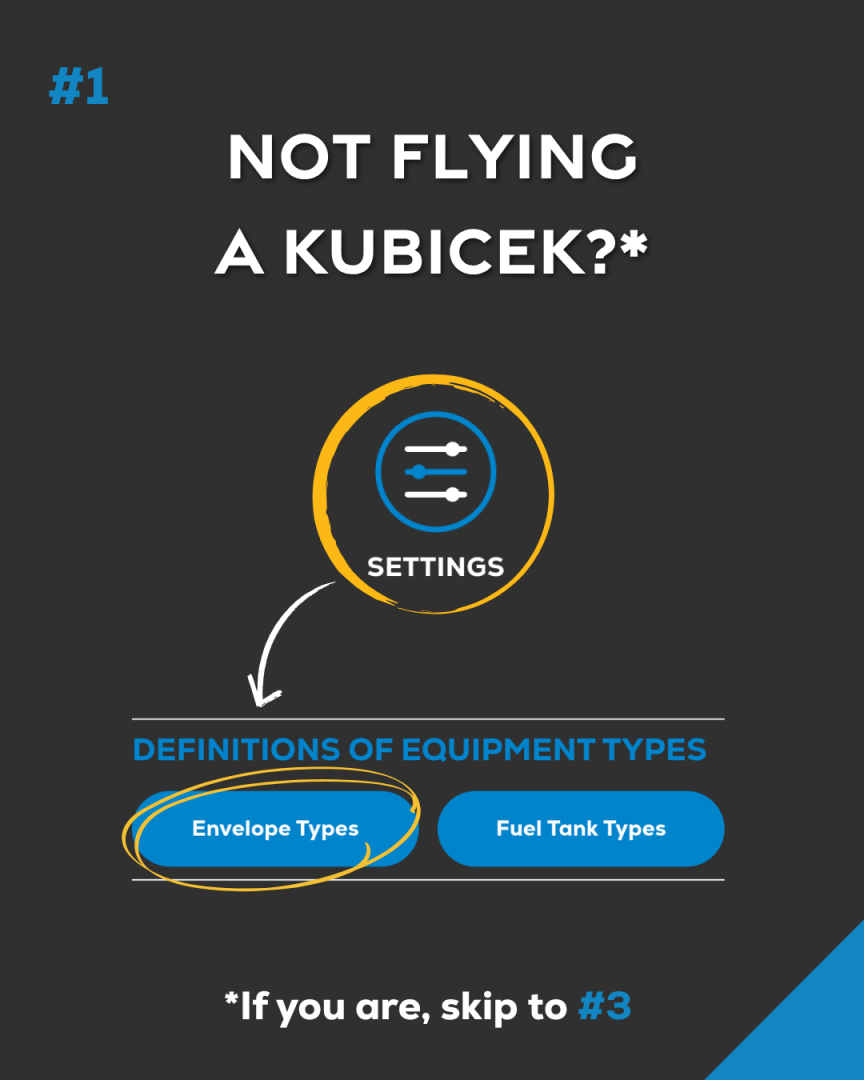
If you own a balloon from another manufacturer, you first need to add its envelope type.
Go to:
Menu → Settings → Envelope Types List
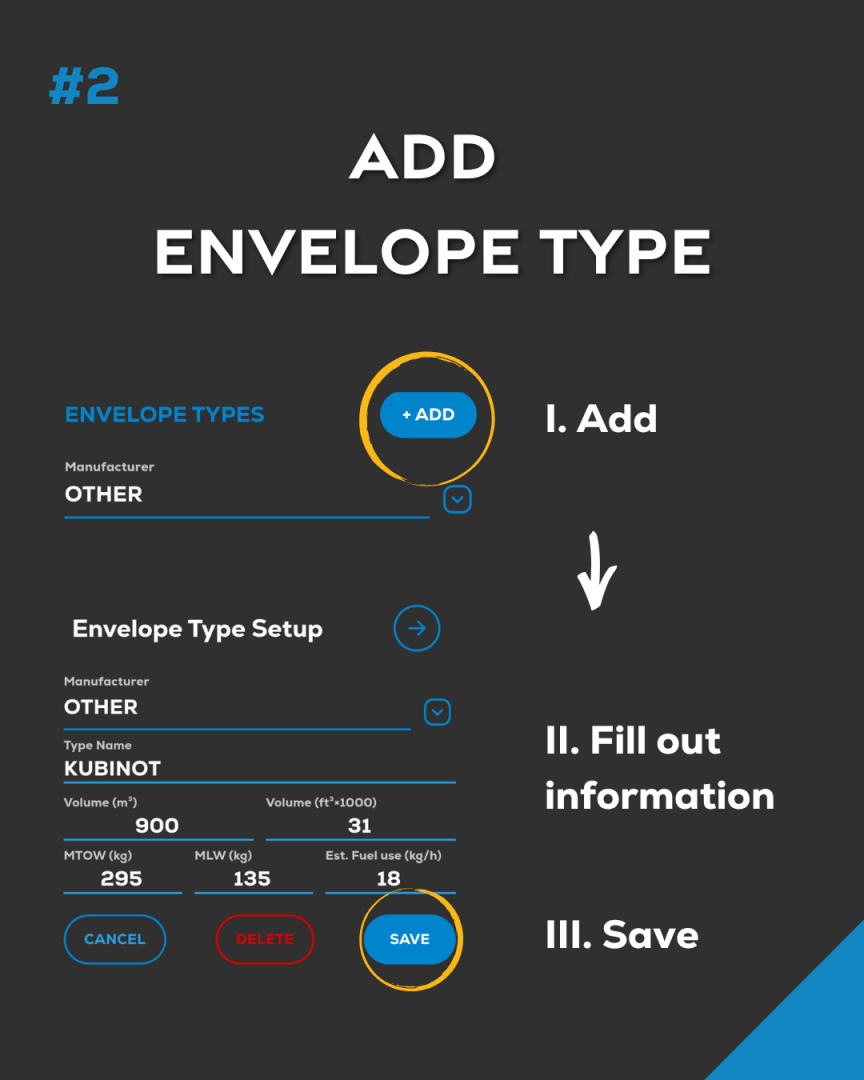
Add your envelope (any brand). Once saved, go back to:
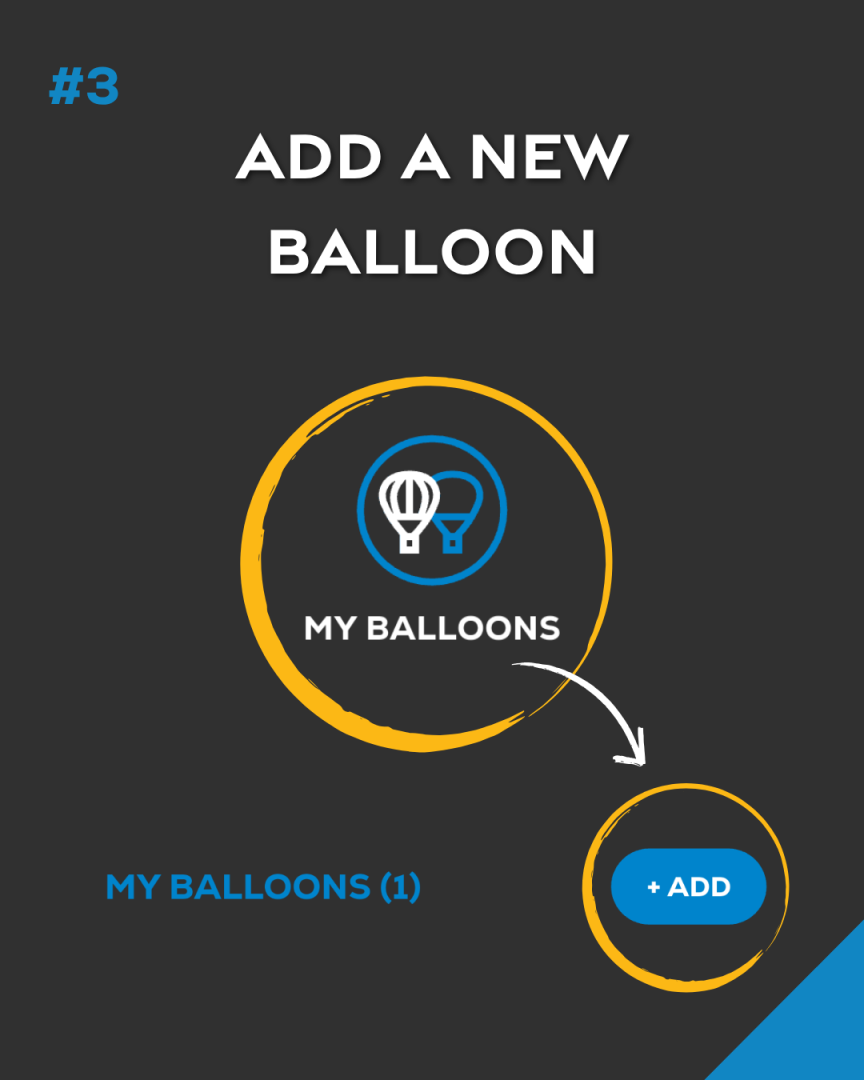
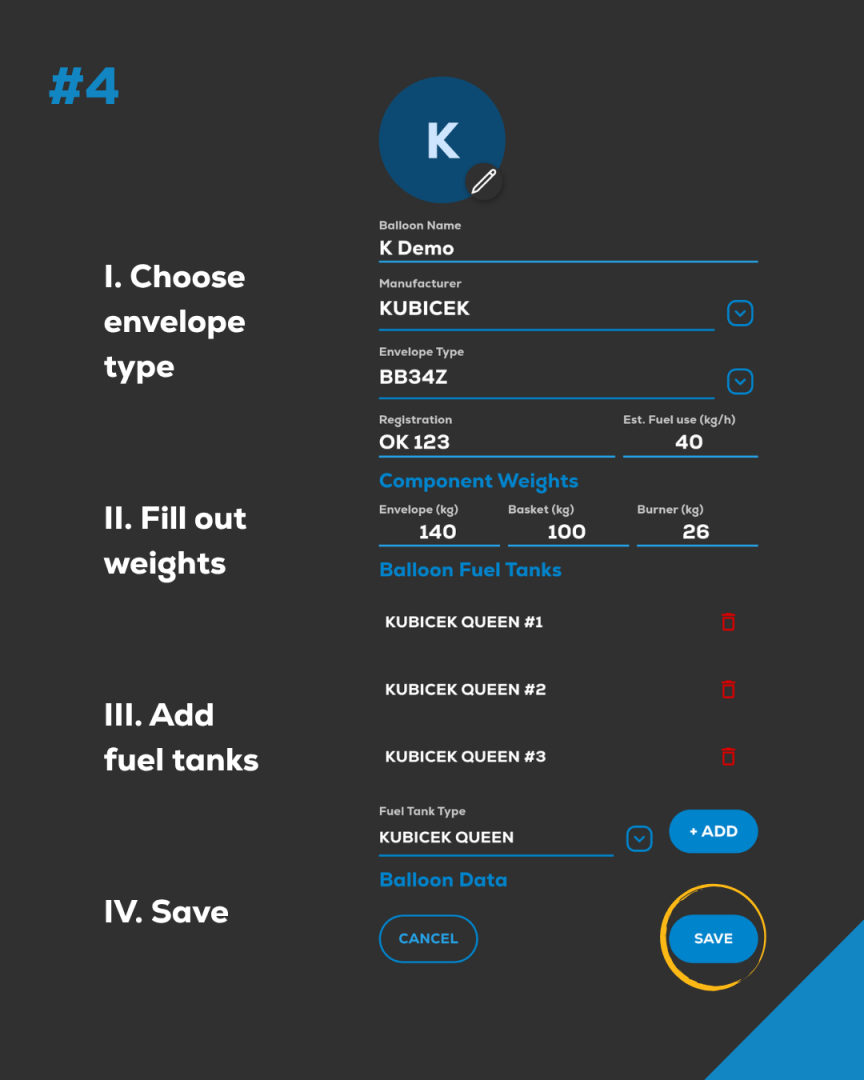
Menu → My Balloons → Add
You will now see your envelope listed under the selected manufacturer and can add it to your balloons.
Your subscription or content will be activated immediately.
To add a gas balloon in Kubicek FlyMate, you first need to switch the app to Gas Pilot Mode.
Step 1
Go to:
Menu → Kubicek Account → App Mode → GAS PILOT
Step 2
Then open:
Menu → Settings → Envelope Types
Tap Add Envelope, enter your gas balloon details and set the envelope volume.
Then tap Save.
Step 3
Now go to:
Menu → My Balloons → + Add
Your gas balloon envelope will now appear in the drop-down list.
Select it, save it — and you're ready to fly.
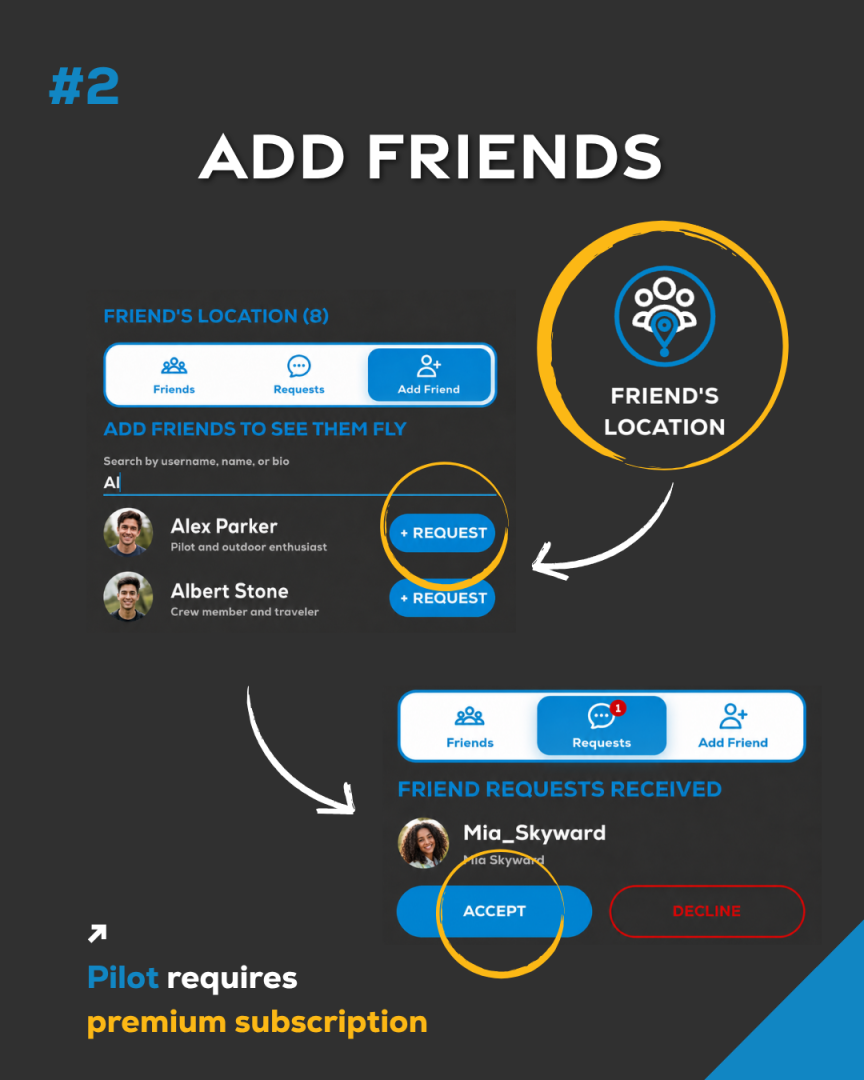
No. The driver or chase crew does not need a Premium subscription to track the pilot.
Only the pilot needs to have an active Kubicek FlyMate PREMIUM plan enabled to share live position and be trackable by others.
Does the subscription work across platforms?
No. FlyMate Premium cannot be shared between Android and Apple devices.
The subscription is handled separately by Google Play and Apple App Store, and these systems do not share purchases.
Premium bought on Android works only on Android. Premium bought on Apple works only on Apple.
To use Premium on both, two separate subscriptions are required.
Regarding your data and flight logs – your Kubíček Account keeps them synced and works across all platforms, so everything stays the same on all your devices.
Only Cellular (Wi-Fi + Cellular) iPads include built-in GPS. Wi-Fi-only iPads do not have GPS hardware, so FlyMate cannot be used for navigation or flight recording, even when connected to an iPhone hotspot.
Open Settings → General → About and check the model:
Please note: An iPhone hotspot provides internet access only. It does not add GPS to a Wi-Fi-only iPad.