
Chapters and articles
06Balloons, loading and fuel

Add a non-Kubicek balloon

Create its envelope type before adding the balloon.

If the envelope is not listed, confirm it was saved under the intended manufacturer and that the current app mode is correct.
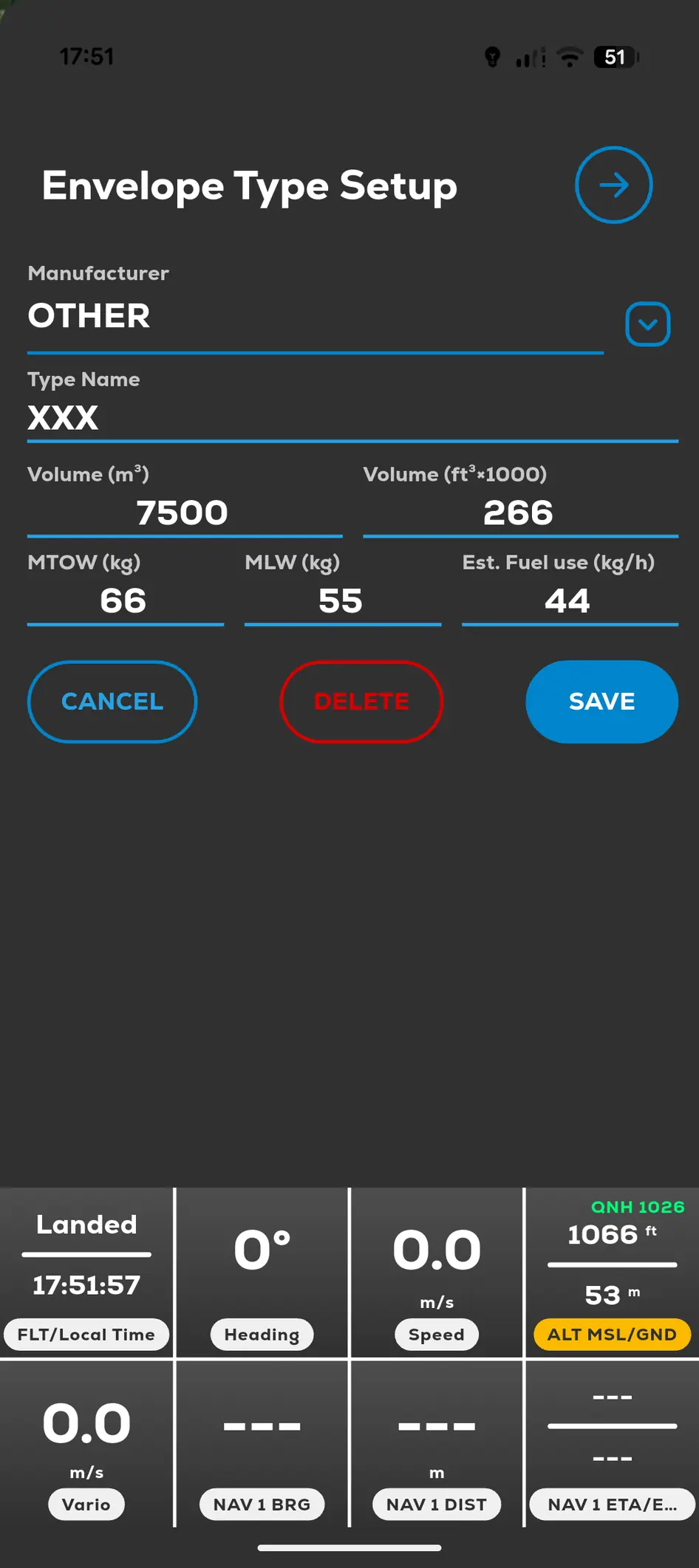
FlyMate custom envelope type setup for another manufacturer
  1. 01

    Open Menu, Settings and Envelope Types List.

  2. 02

    Add the envelope under the correct manufacturer.

  3. 03

    Save the envelope definition.

  4. 04

    Return to Menu and My Balloons.

  5. 05

    Tap Add and select the envelope you created.

In this chapter

Balloons, loading and fuel

Configure the actual balloon and tanks before using calculated flight tools.

Add a Kubicek balloonConfigure fuel tanksFuel ManagementLoading Calculator and checklists