
Chapters and articles
06Balloons, loading and fuel

Configure fuel tanks

Fuel calculations depend on the installed tank types, quantities and starting values.

Supported releases allow user-defined fuel-tank types, including custom full weight. Recheck the selected tank data whenever the installation changes.
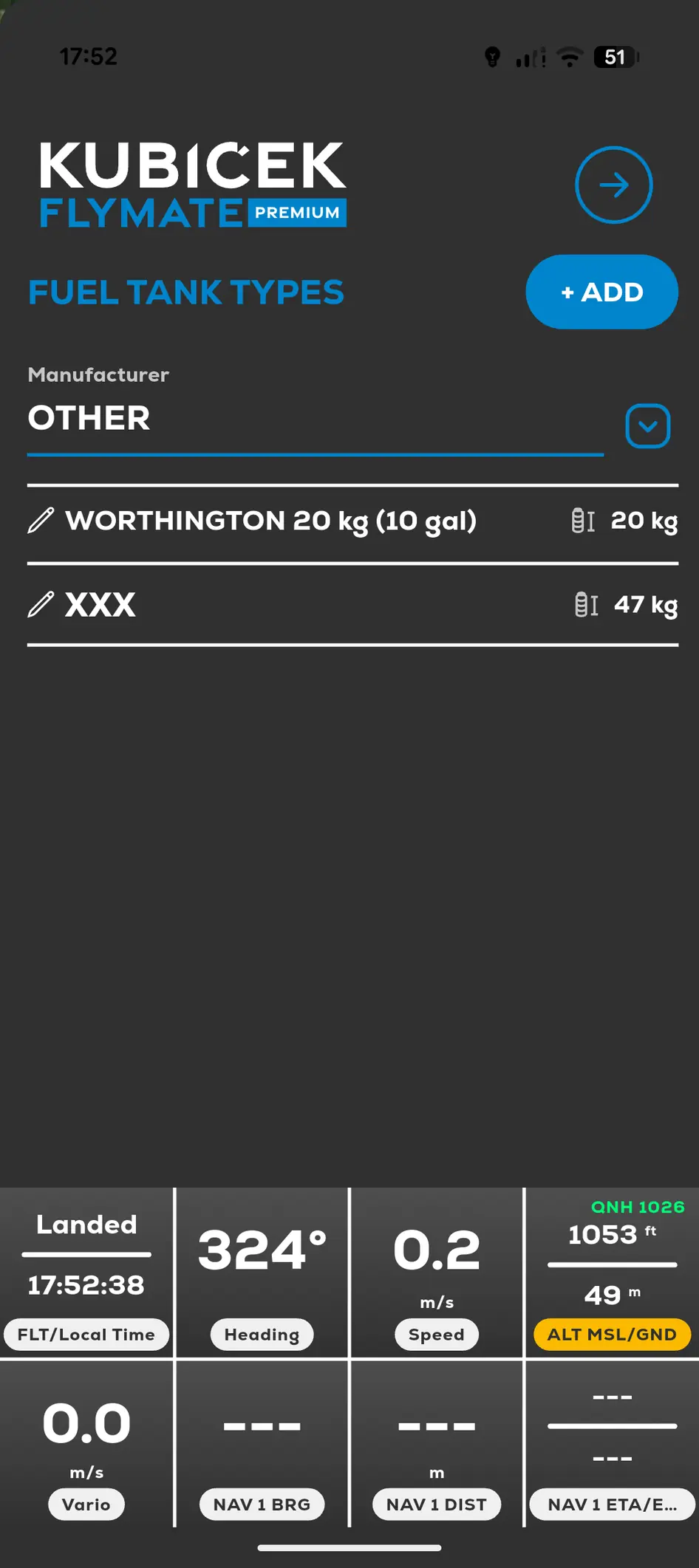
FlyMate list of user-defined fuel tank types
  1. 01

    Open Menu and My Balloons.

  2. 02

    Add or edit the balloon.

  3. 03

    Select the installed fuel-tank types and quantities.

  4. 04

    Create a user-defined tank type in Settings if the required type is unavailable.

  5. 05

    Save before using Fuel Management.

In this chapter

Balloons, loading and fuel

Configure the actual balloon and tanks before using calculated flight tools.

Add a Kubicek balloonAdd a non-Kubicek balloonFuel ManagementLoading Calculator and checklists