
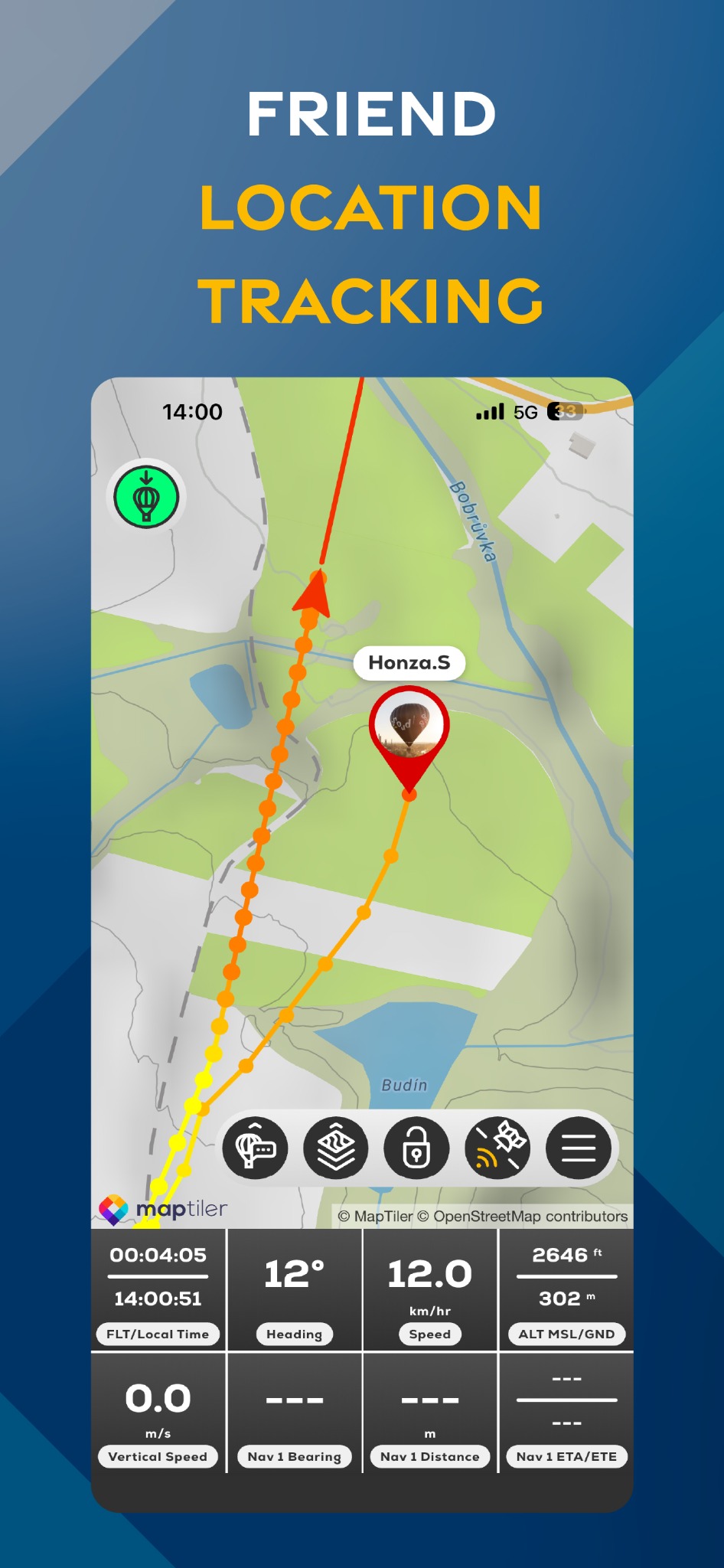
A connected pilot can appear on the map with a named marker and remote track. The pilot being viewed must have Premium and an active sharing session.
The displayed track can be delayed by connection or the trackpoint interval. When the pilot sends a waypoint through FlyMate, the Driver receives a Driver target received from the pilot message and can switch between the balloon and the pilot's target.
- 01
Open Friend's Location in Driver mode.
- 02
Open the Friends tab.
- 03
Tap TRACK beside the connected pilot.
- 04
Return to the map and check the named pilot marker and remote track.
- 05
If a target arrives, open the target selector and choose Balloon or Pilot's Target.