
Downloaded maps and core flight tools remain available without internet. Live sharing, new radar or weather retrieval and other network-fed information require connectivity.
- 01
While online, create or select a waypoint in the intended flight area.
- 02
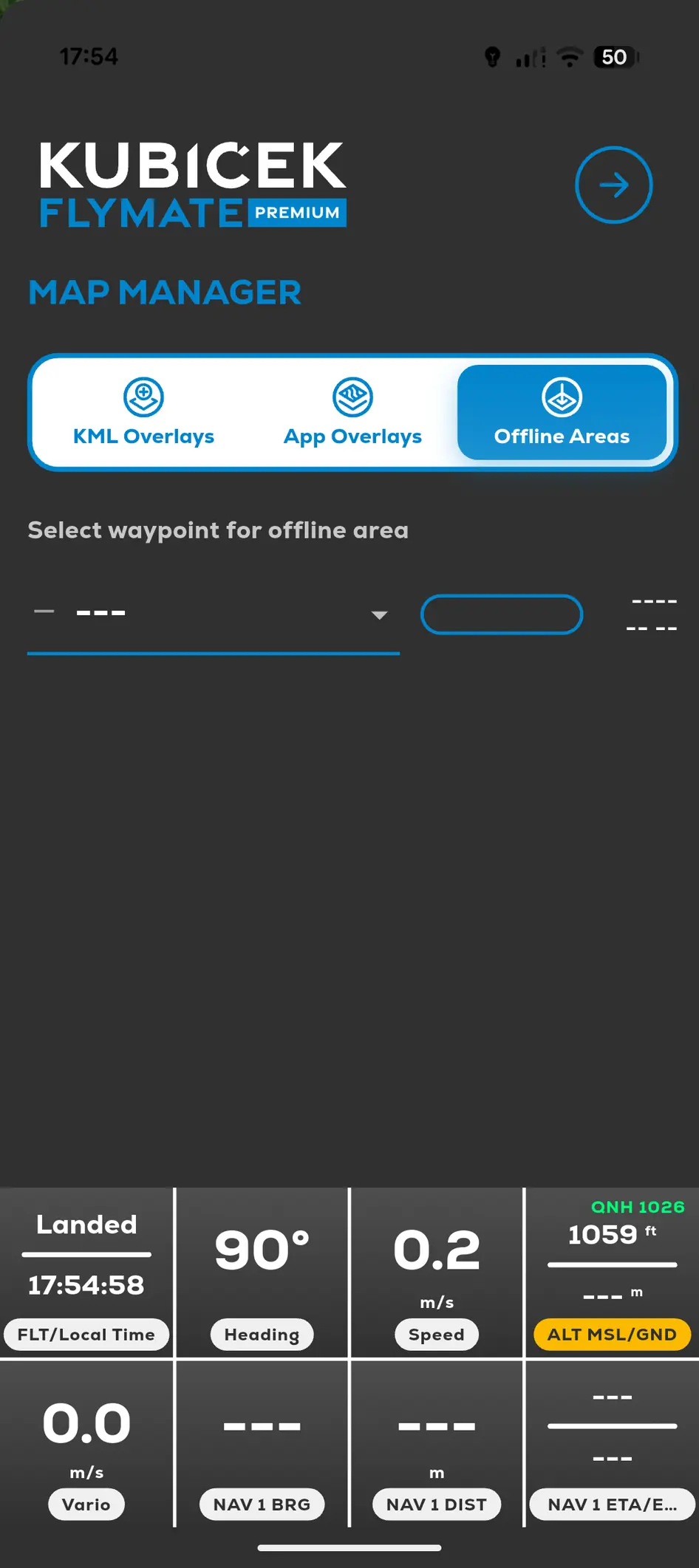
Open Menu, Map Manager and Offline Areas.
- 03
Select the area around the waypoint.
- 04
Start the download and wait until it finishes.
- 05
Confirm the area is listed as downloaded before takeoff.