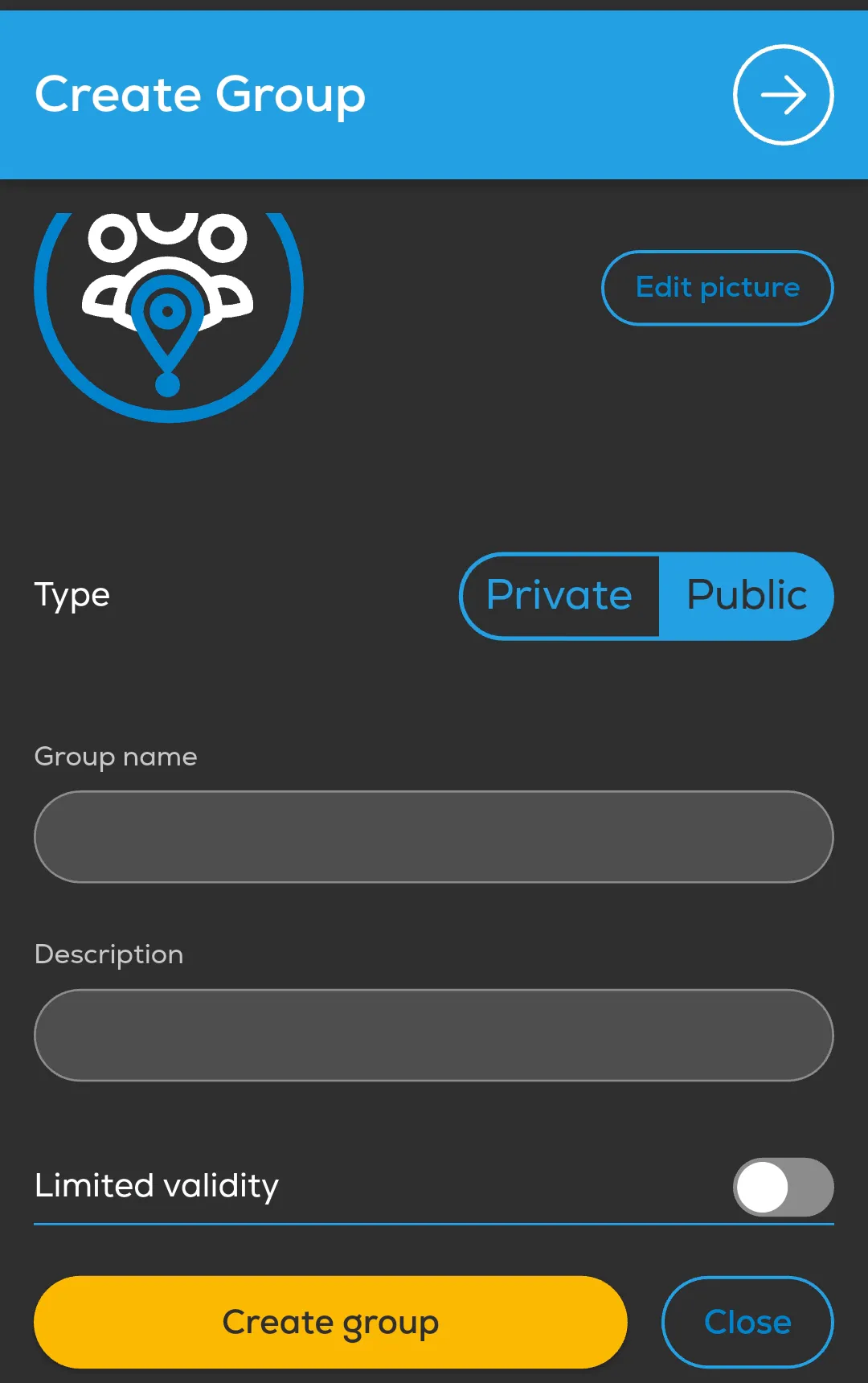
- Open Menu → Community → Groups → New group.
- Choose Private or Public and enter a group name and description.
- If the group is for a specific period, enable Limited validity and choose Start date and Expiration date.
- Select Create group.
- In My Group, review Share my tracks in this group and set it to match your intended sharing.
- Select Save after changing the group settings.
Sharing is controlled per group. Review this setting for each group you belong to, and check that the app shows the expected sharing state before relying on group tracking.
A group setting is not proof that a live position is reaching other members. Verify the live track on another device before flight.