
Chapters and articles
03Main flight screen

Set a reference altitude

Display altitude relative to a selected level.

The relative value shows the difference above or below the selected reference level. Reference altitude is not the same as QNH or pressure-derived altitude.
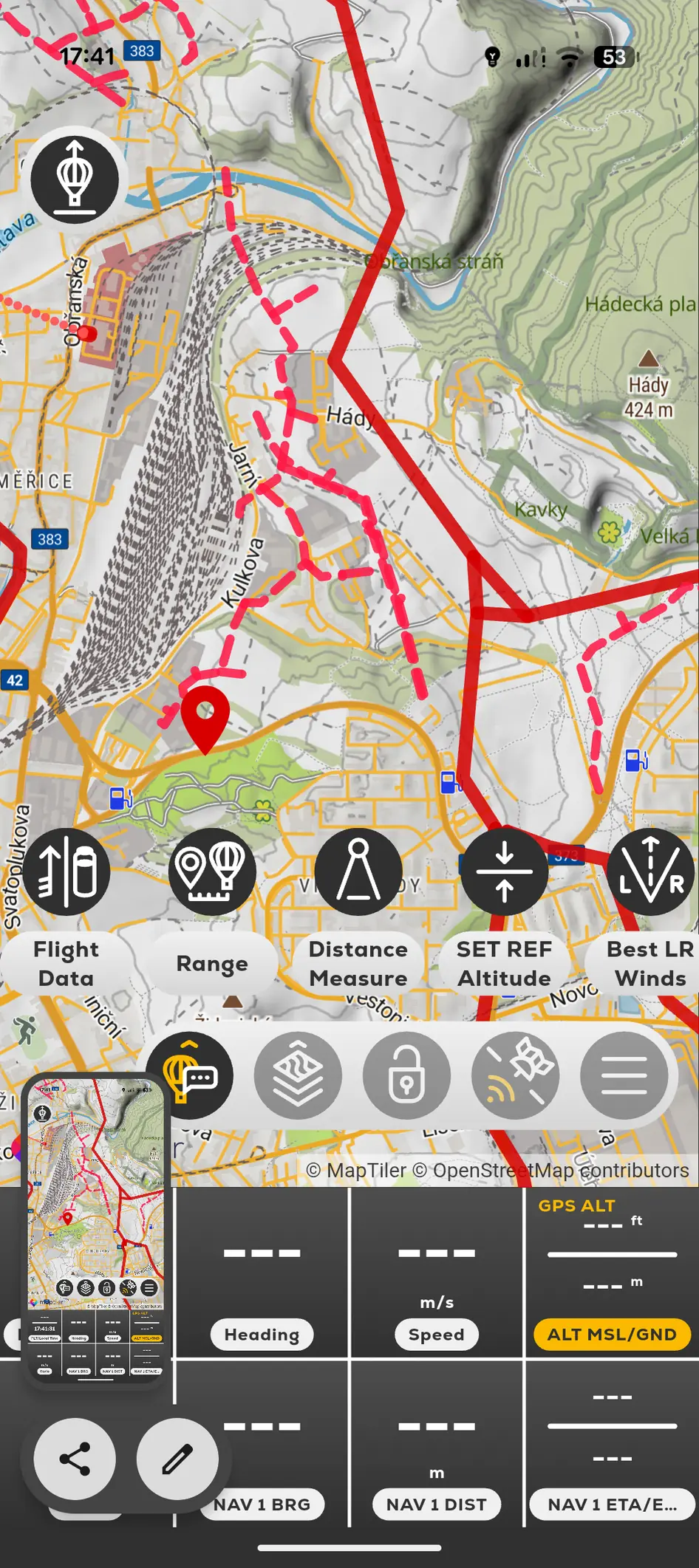
FlyMate map tools including Set Reference Altitude and Best Left or Right Winds
  1. 01

    Tap SET REF Altitude.

  2. 02

    Select or enter the reference level offered by the current screen.

  3. 03

    Use the Vertical Speed Indicator to toggle the relative reference display.

In this chapter

Main flight screen

Understand the map, instruments and controls used during the flight.

Flight screen at a glanceMap rotation and north-upSatellite ViewLock Cursor