
Chapters and articles
03Main flight screen

Live Flight Data

Open detailed metrics for the active flight or selected tracked user.

Flight Data can show altitude, vertical speed, entered winds, fuel status, endurance and other current-flight values. The available fields depend on app mode, configuration, sensors and subscription.

If the heading contains a name or identifier, for example XRD flight data, the values belong to that tracked user rather than necessarily to the local device.
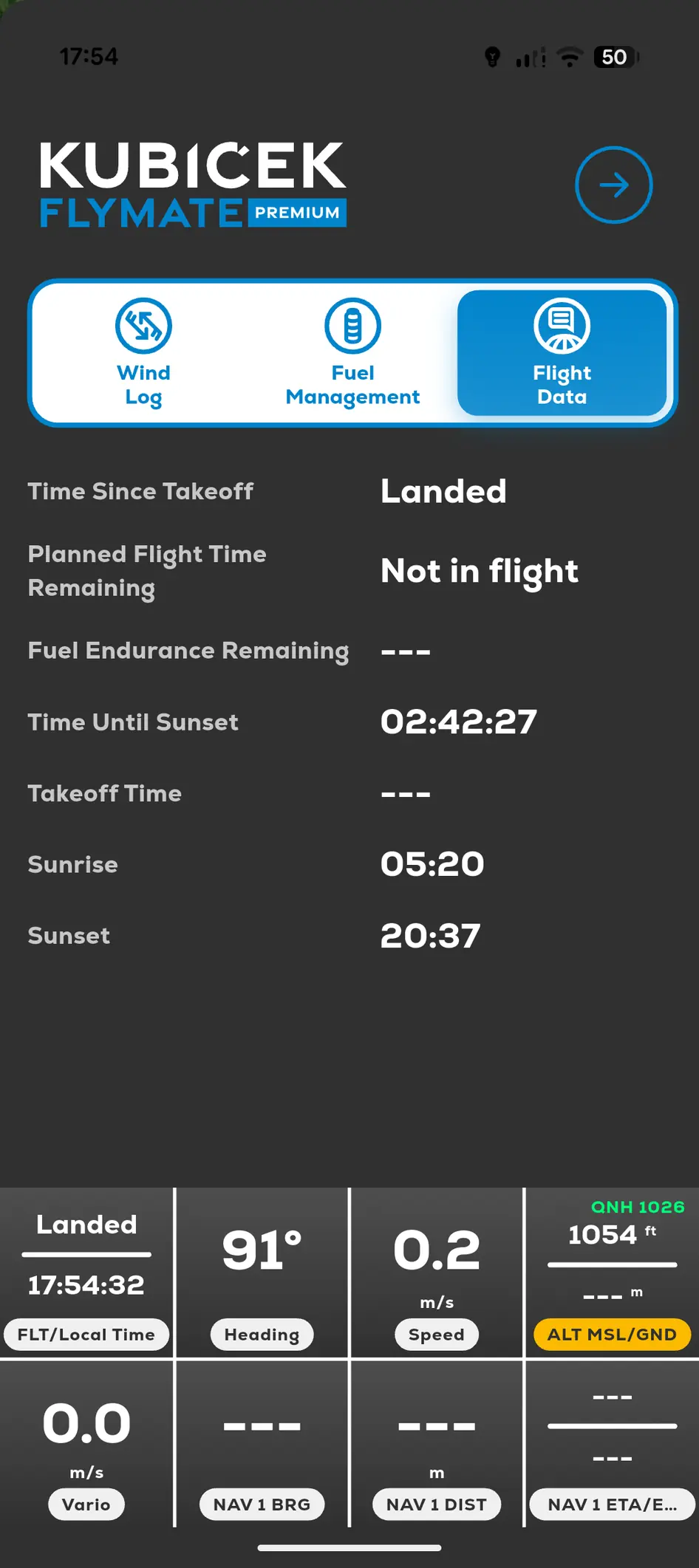
FlyMate Flight Data screen with Wind Log, Fuel Management and Flight Data tabs
In this chapter

Main flight screen

Understand the map, instruments and controls used during the flight.

Flight screen at a glanceMap rotation and north-upSatellite ViewLock Cursor