
Chapters and articles
05Planning and navigation

Create and manage waypoints

Store useful locations for planning and in-flight navigation.

Current releases support waypoint management and UTM grid entry. Check the position visually and against the intended coordinate source.
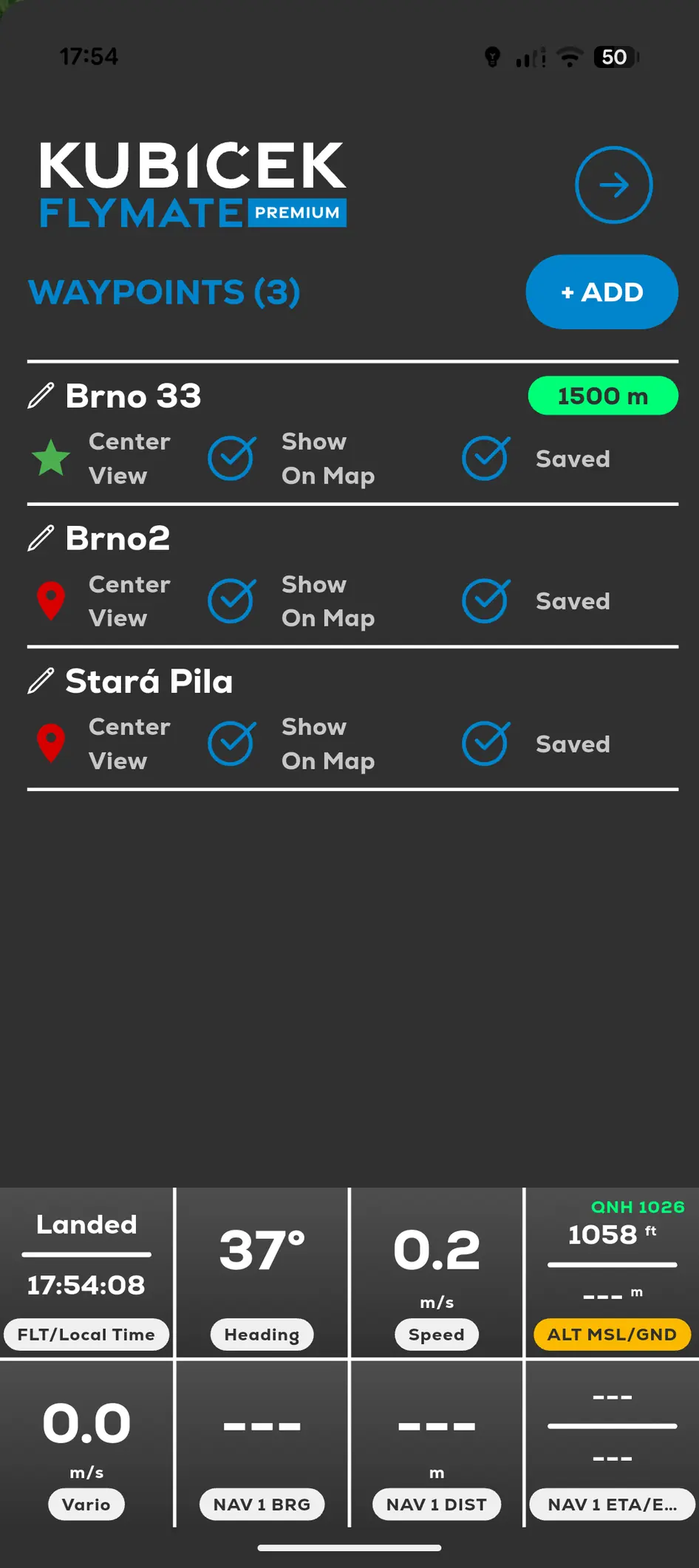
FlyMate waypoint list with saved locations and map visibility controls
  1. 01

    Open Menu and Waypoints.

  2. 02

    Add a waypoint.

  3. 03

    Set its location and available details.

  4. 04

    Save the waypoint.

  5. 05

    Select it when navigation or an Offline Area requires a reference point.

In this chapter

Planning and navigation

Create waypoints, measure, estimate landing areas and review weather information.

Send a waypoint to your DriverMeasure range and distanceConfigure landing predictionLanding Range and Descent Point