
The workflows and screenshots in this edition were reviewed against a late-July Android capture. The Apple App Store history showed FlyMate 1.0.10 when the documentation baseline was checked.
Store numbering and interface details can differ between Android and Apple releases. The About app screen on the user's own device is authoritative for a support case.
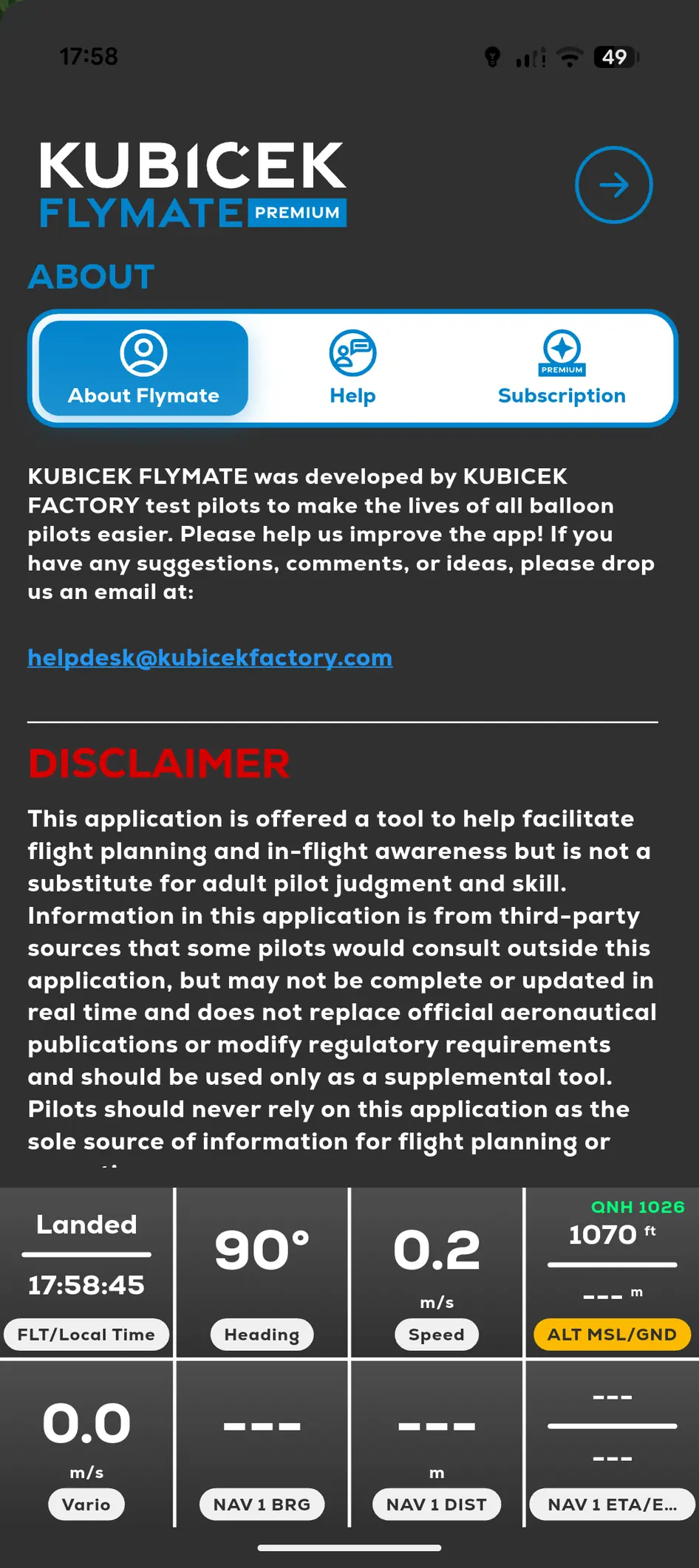
For support or when a screen differs from this manual, open Menu and look in About app. Include the version shown on your device when contacting support.
- 01
Open FlyMate.
- 02
Open Menu.
- 03
Select About app.
- 04
Note the platform, device model and FlyMate version.