
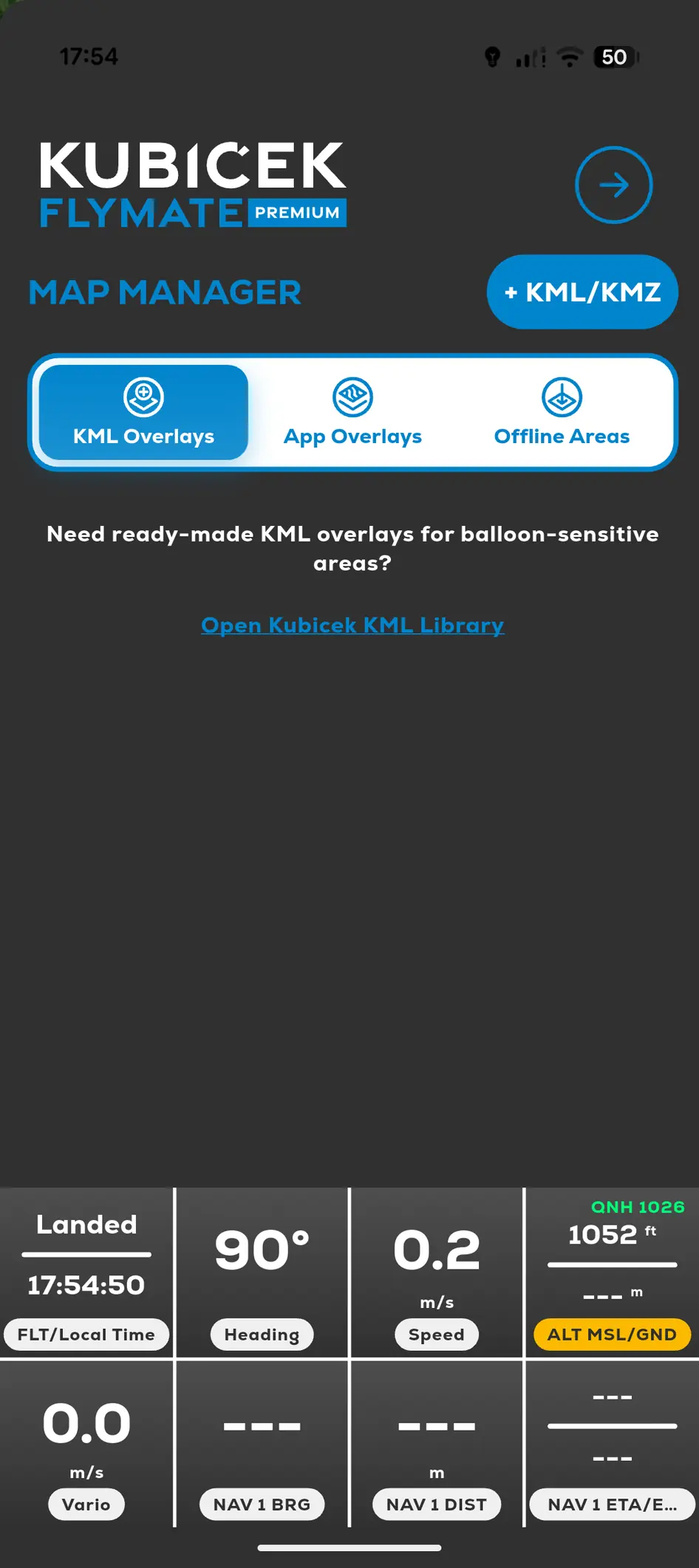
Custom KML overlays are a Premium feature. Importing a KML map overlay is different from importing a KML flight track into My Logbook.
- 01
Save the .kml file where the device can access it.
- 02
Open Menu, Map Manager and KML Overlays.
- 03
Use Add or Import and select the file.
- 04
Enable the overlay.
- 05
Return to the map and check its position and content.