
Chapters and articles
08Logbook and data import

Vertical profile and track cleaning

Inspect height over time and correct recorded track data after landing.

The vertical-profile viewer is available in supported current releases. Flight details can also offer tools to edit metadata or clean recorded track data.

Preserve the original record or export a copy before making substantial corrections.
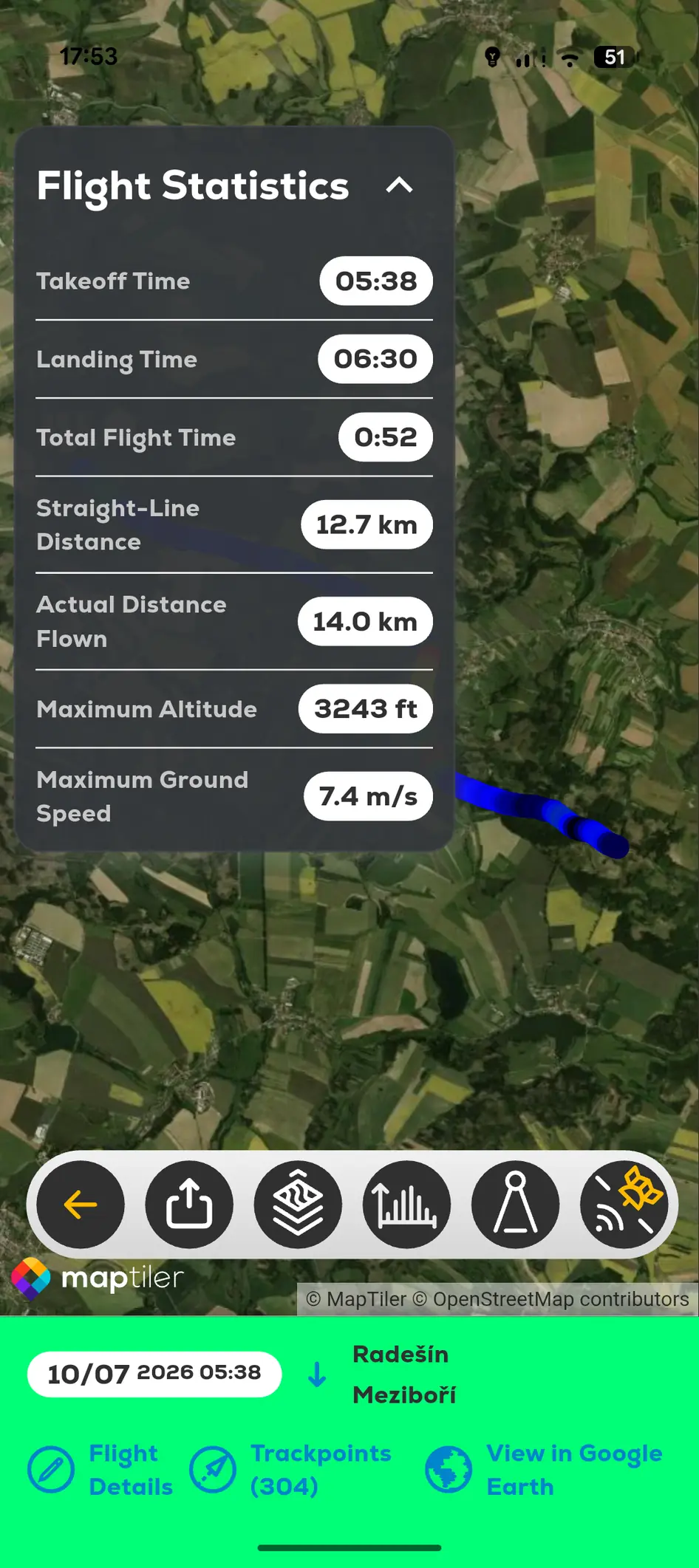
FlyMate flight statistics and altitude-coloured recorded track
  1. 01

    Open the selected flight in My Logbook.

  2. 02

    Open the vertical-profile or detailed track view.

  3. 03

    Review the complete record first.

  4. 04

    Apply only corrections you can verify.

  5. 05

    Save and recheck the resulting flight.

In this chapter

Logbook and data import

Review recorded flights, inspect profiles and import existing records.

Review a recorded flightImport a KML flight trackImport from HotAir