
Chapters and articles
02Getting started

Set language, units and time

Configure the display before flight so every value is interpreted correctly.

Current release history lists English, Czech, German, Spanish, French and Dutch. Available language options can depend on the installed version and device settings.

Settings include units for altitude, distance, ground speed, wind speed, vertical speed, mass, fuel and temperature. UTC is available as an alternative to local time in supported releases.
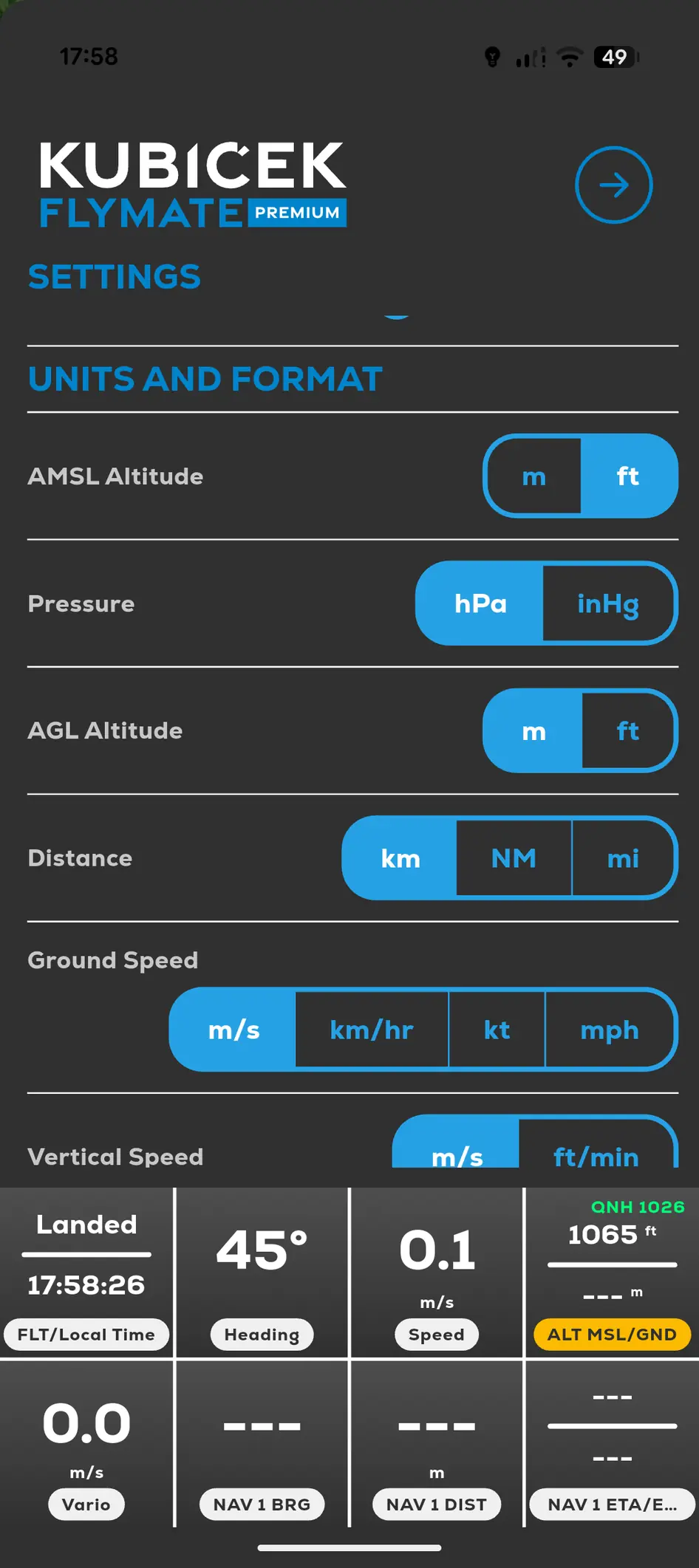
FlyMate settings for altitude, pressure, distance and speed units
  1. 01

    Open Menu and then Settings.

  2. 02

    Set the required units.

  3. 03

    Choose UTC or local time where offered.

  4. 04

    Confirm values on the main flight screen before takeoff.

In this chapter

Getting started

Install FlyMate, choose the correct device and mode, and prepare permissions before flight.

Install or update FlyMateSupported devicesSign in and synchronizeChoose Pilot, Driver or Gas Pilot mode