
Chapters and articles
04Maps and overlays

Map Manager

Control built-in overlays, imported KML files and downloaded areas.

The FlyMate map environment is powered by MapTiler. A clean selection of relevant layers is easier to read in the basket than every available overlay at once.
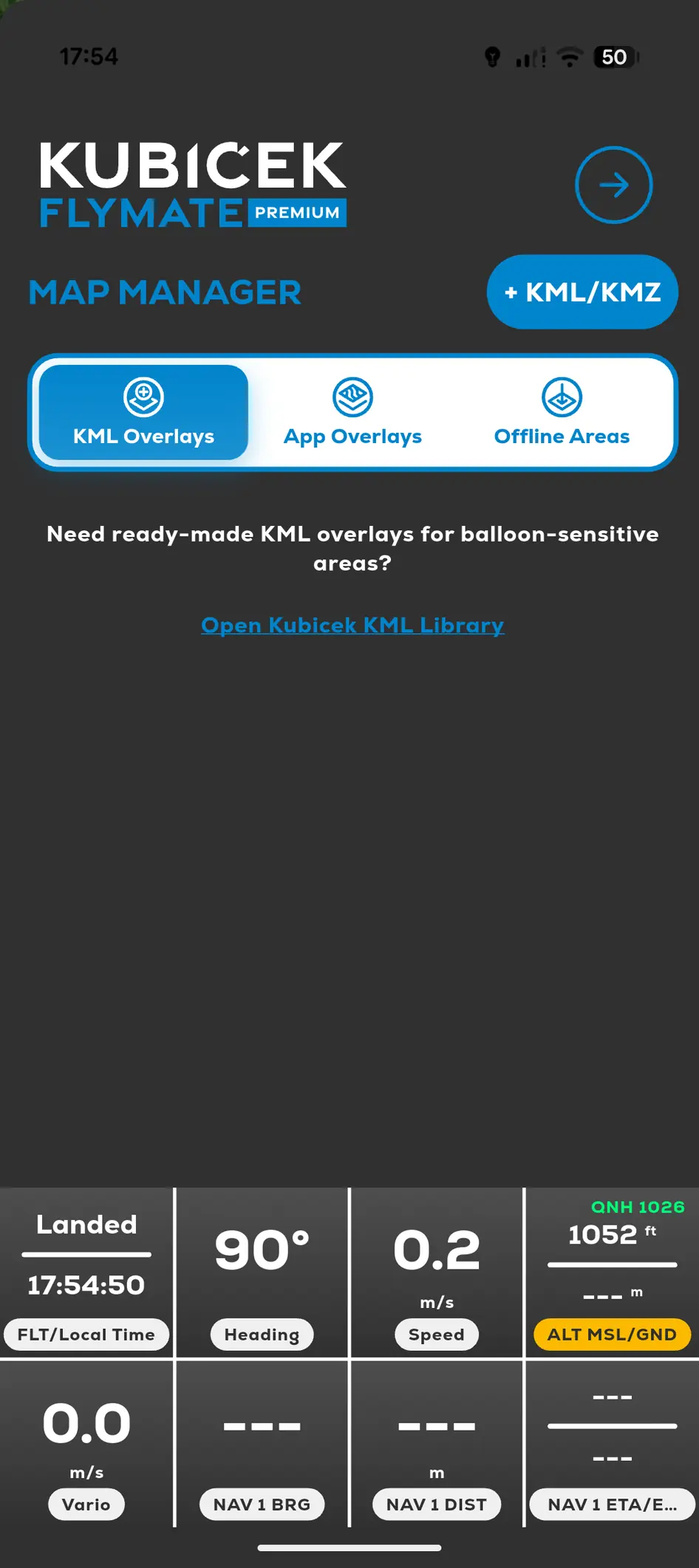
FlyMate Map Manager with KML Overlays, App Overlays and Offline Areas tabs
  1. 01

    Open Menu.

  2. 02

    Select Map Manager.

  3. 03

    Choose App Overlays, KML Overlays or Offline Areas.

  4. 04

    Enable only the layers needed for the flight.

In this chapter

Maps and overlays

Control map layers, airspace, powerlines, KML files and offline areas.

AirspacePowerlines and obstaclesImport a custom KML overlayCommunity Sensitive Areas Library