08Logbook and data import
Review a recorded flight
Open the flight in My Logbook and inspect its route and statistics.
Long-flight performance and flight-detail views have been improved in current releases.
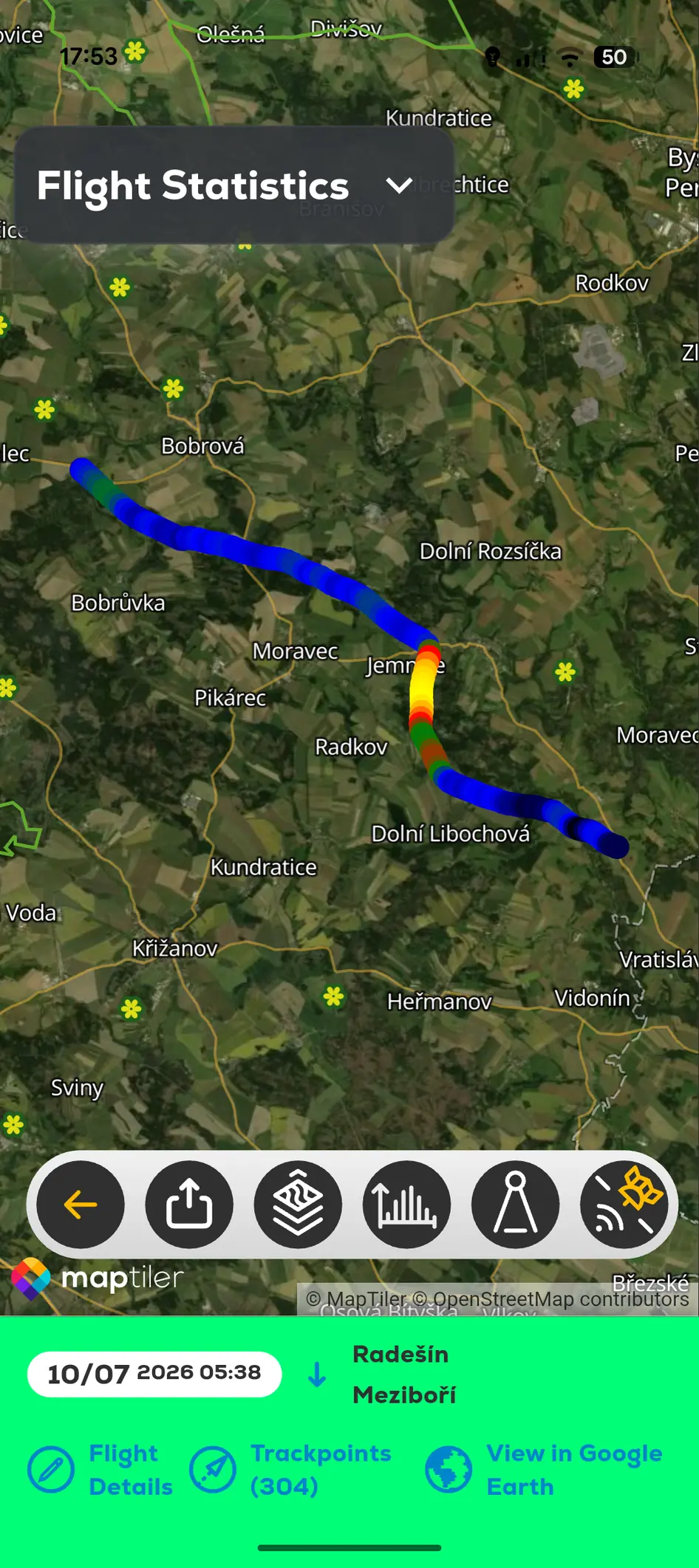 Recorded FlyMate flight track with route and logbook actions
- 01
Open Menu and My Logbook.
- 02
Select the recorded flight.
- 03
Open Track Viewer or the available flight-detail action.
- 04
Review route, time, distance, altitude and other stored values.
Logbook and data import
Review recorded flights, inspect profiles and import existing records.
