
Driver mode is available without Premium. To share a live pilot position, the pilot being tracked needs active Premium.
Both devices need suitable internet access, account connection and location permission for live updates.
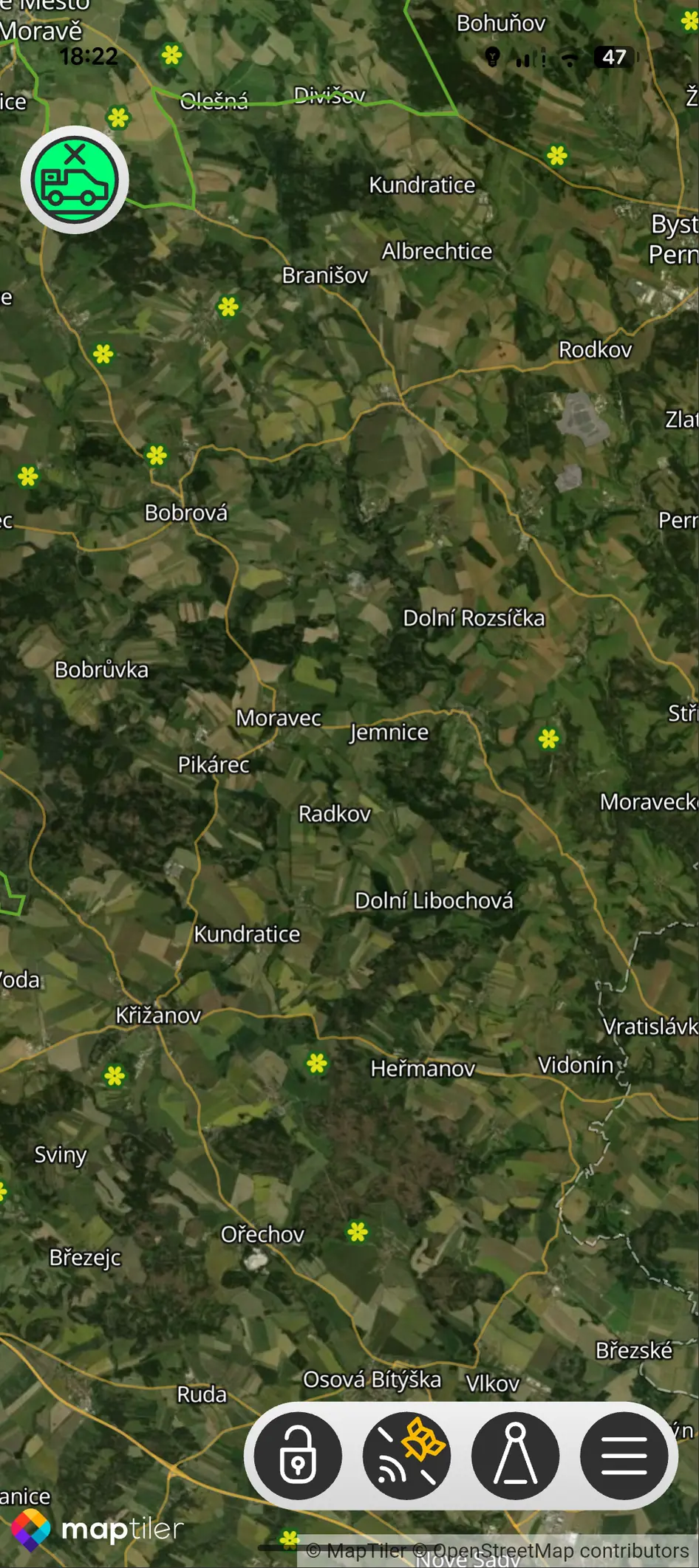
- 01
Open Menu, Kubicek Account and App Mode.
- 02
Select DRIVER.
- 03
Open Friend's Location.
- 04
Choose the connected pilot once sharing is active.